118 articles
Enshrouded is a brand-new survival game that has a very deep and interesting take on base building.
Its voxel-based building system allows for loads of customization, allowing players to make any base they want!
Eager to get started? Read on and we’ll tell you everything you need to know about base building in Enshrouded!
Ultimate Base Building Guide for Enshrouded
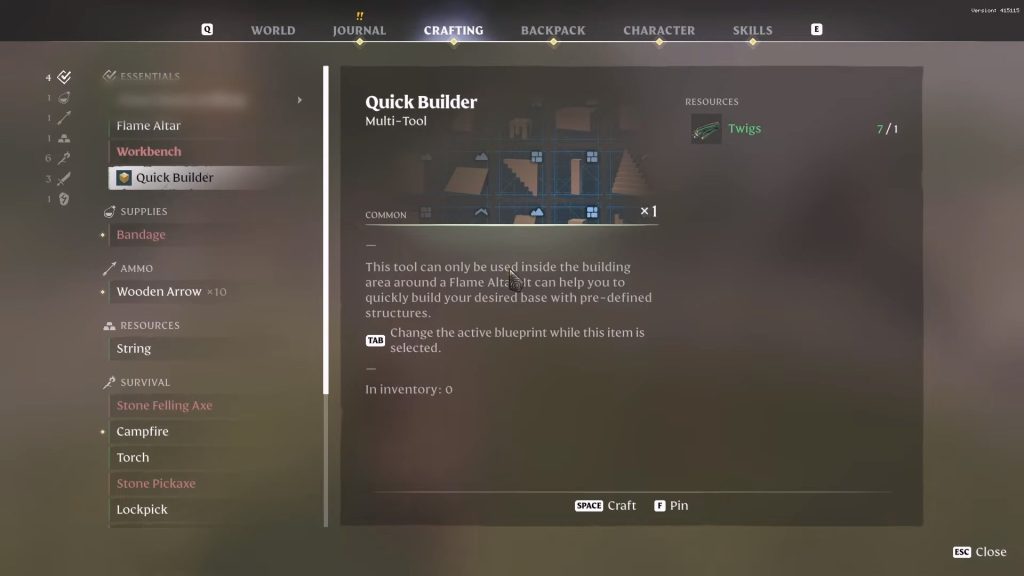
Base building in Enshrourded involves a lot of crafting, and the first thing you’ll need to craft is the Quick Builder. Time to get started!
 Best Secret Golden Chest Farming Locations in Enshrouded Water UpdateDec 6, 2025
 Best Base Locations in Enshrouded Wake of the WaterDec 6, 2025
 Enshrouded: Best Builds After Update 7 (Wake of the Water)Dec 3, 2025
The Quick Builder can be made from the Crafting tab of the pause menu. Press B to open your Backpack first and then click on the Crafting tab.
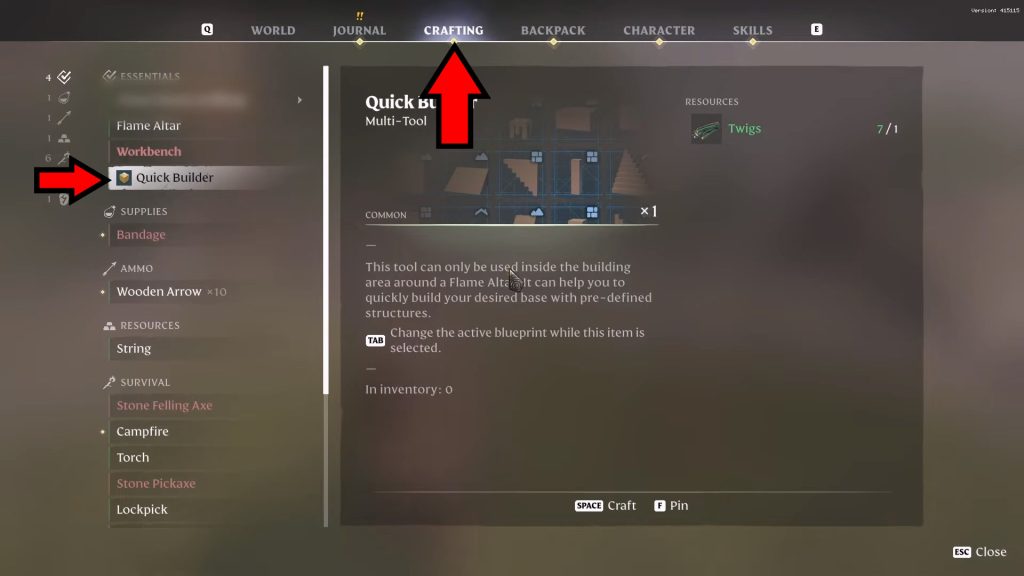
You can find it under Essentials and it costs a single meager Twig to craft. If you don’t have a twig, just go harvest any random bush or plant and you should get it.
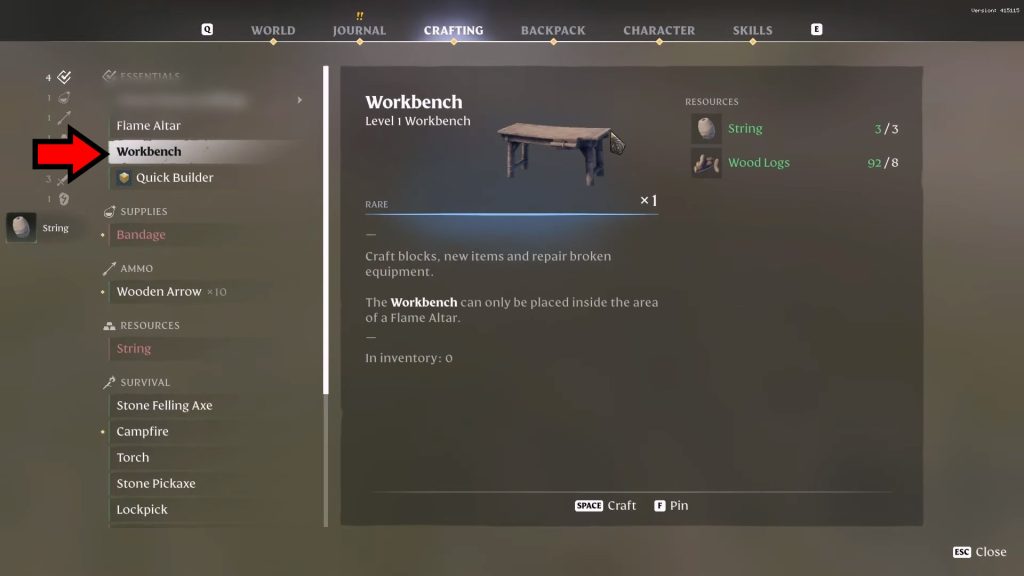
While you’re at it, you should also craft a Workbench with 3 String and 8 Wood Logs! It’ll come in handy later.
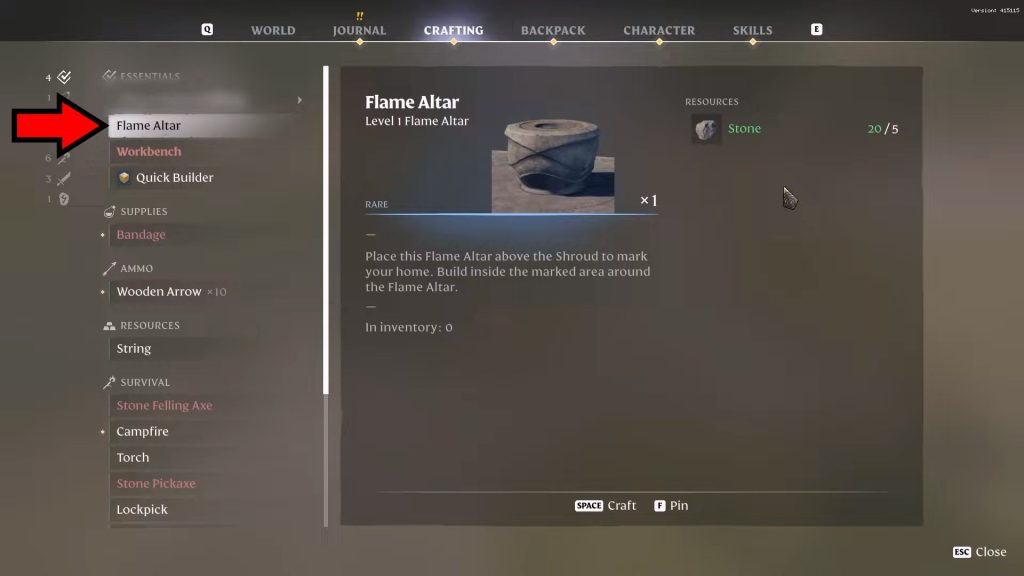
Don’t quit out of the Crafting menu just yet, though! You’ll also need a Flame Altar, which is also one of the Essentials.
It only requires 5 stones to craft, which can be obtained by finding them in the world and digging them out.
Put down the Flame Altar where you wish to set up base and then interact with it to Commune. Also, place the Workbench nearby!
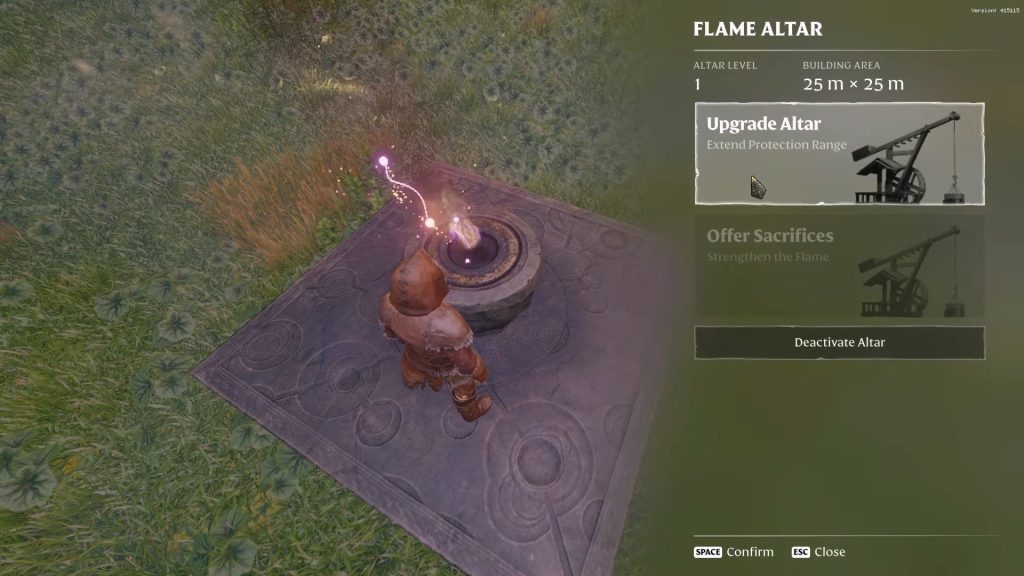
At first, it’s a weak Level 1 Flame Altar, but you can upgrade it later on! Nonetheless, this basic one gives you a 25m x 25m building area.
You’re now free to start building your base, as long as you remain close to the altar! And for that, we have our trusty Quick Builder.
How to Use the Quick Builder
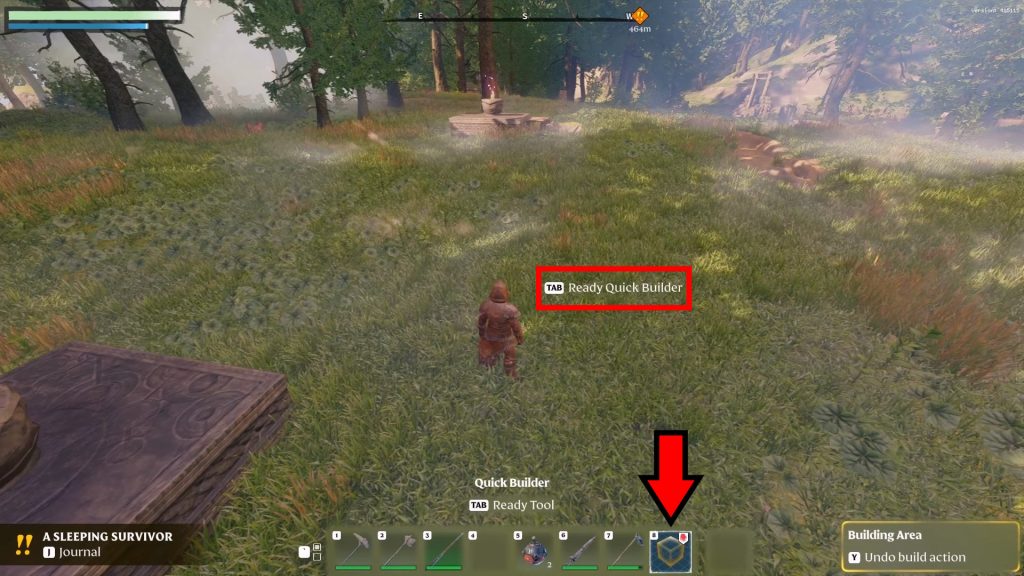
First, make sure the Quick Builder is set to a number on your hotbar. You can set it from the Backpack, though it should also have been automatically added as soon as you crafted it.
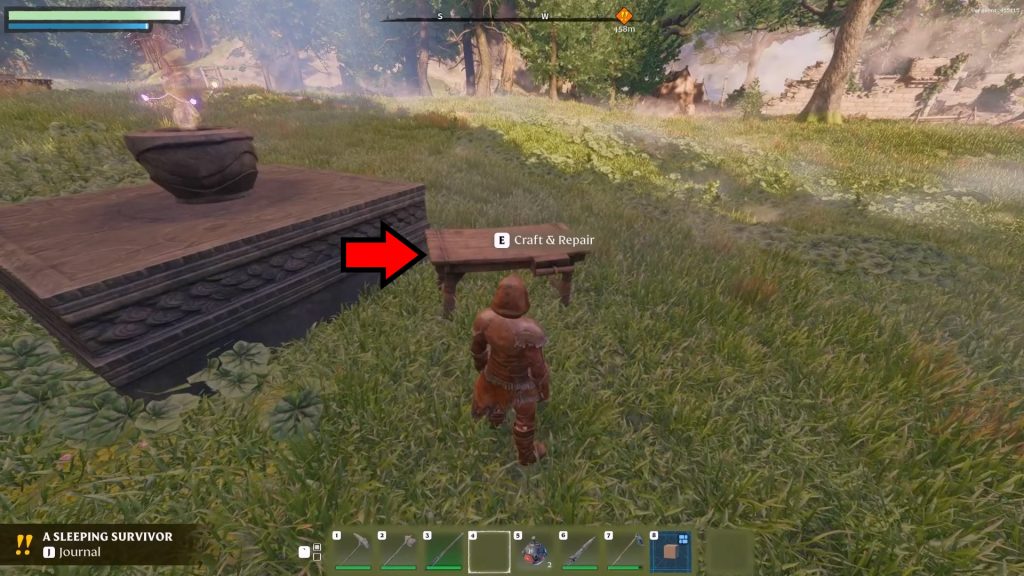
But we need to do something else before we can actually use it! We need to craft Blocks, which is what the Workbench is for.
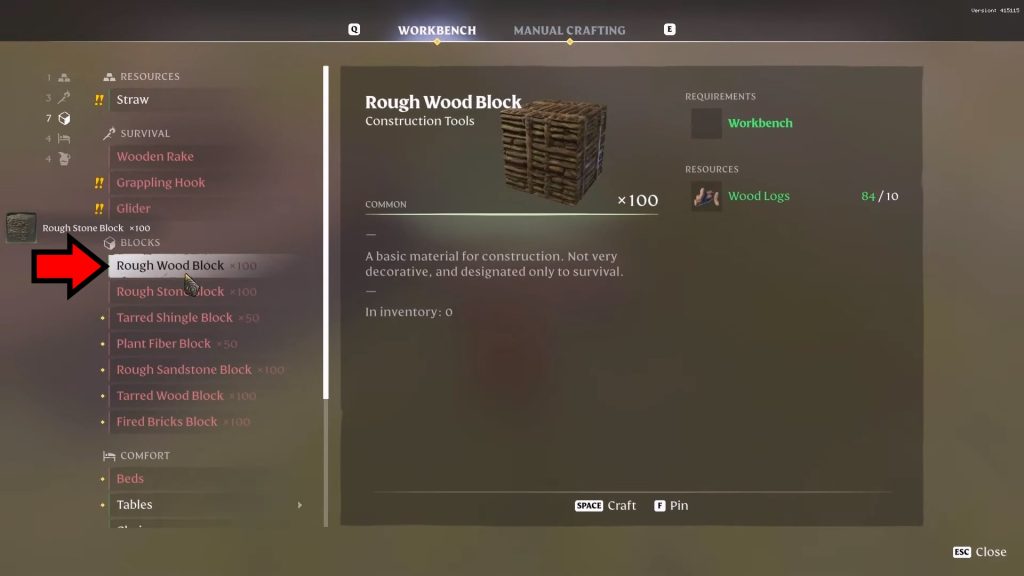
Approach the Workbench and interact with it. Let’s keep things simple for now and just craft 100 Rough Wood Blocks by using 10 Wood Logs.
Next, press the key corresponding to the Quick Builder to activate it, it’s the 8 key in this example. Then a prompt will appear telling you to press Tab to ready the Quick Builder.
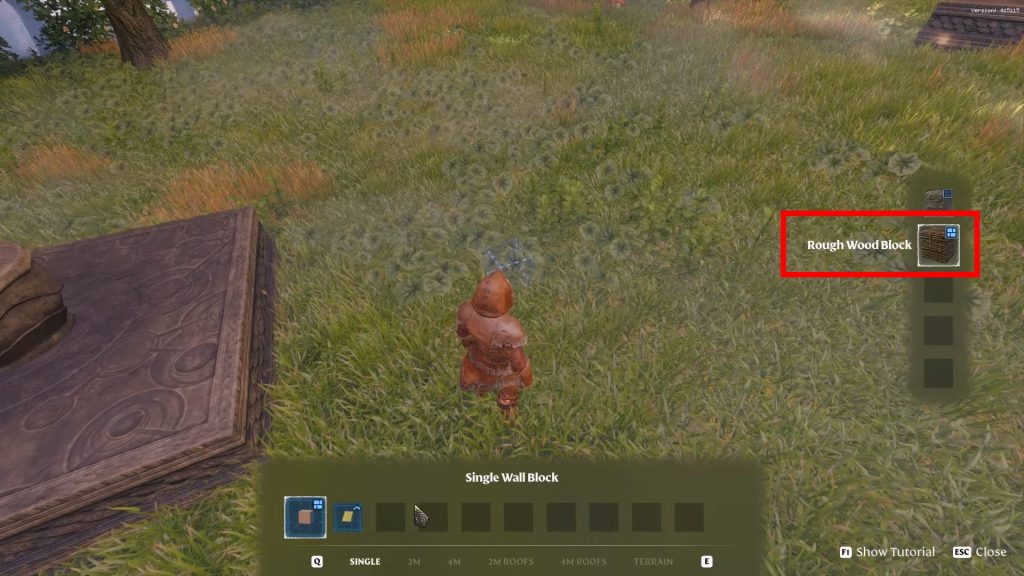
Press Tab and select your Rough Wood Block as your building material. You should now see a holographic cube where you point the cursor, which is a preview of the item you’re about to place.
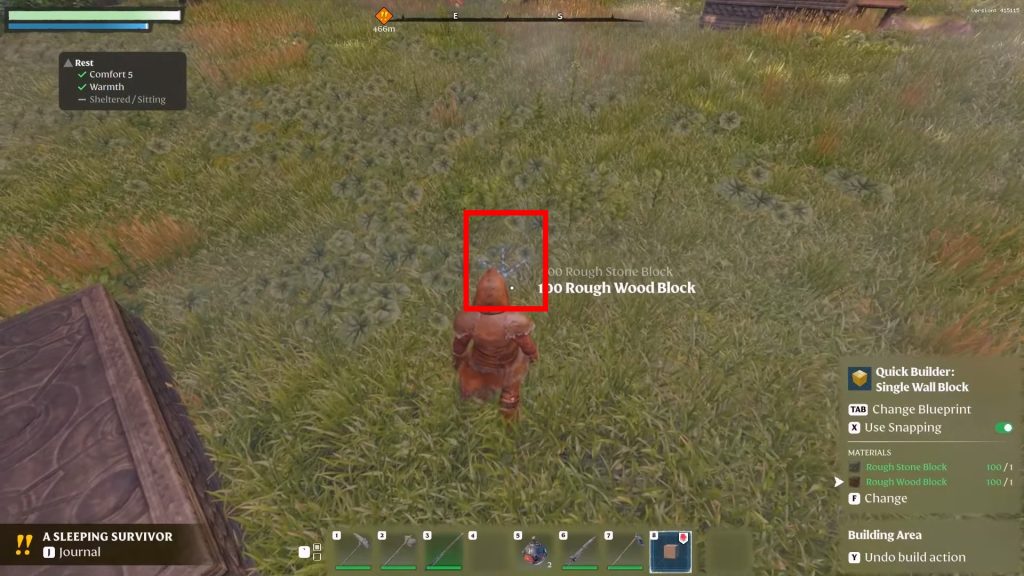
You can also rotate things before you place them by holding the R key and moving the mouse wheel!
Once you’re happy with the location, press Left Click and you’ll place the block. It’s the first block of your future home!
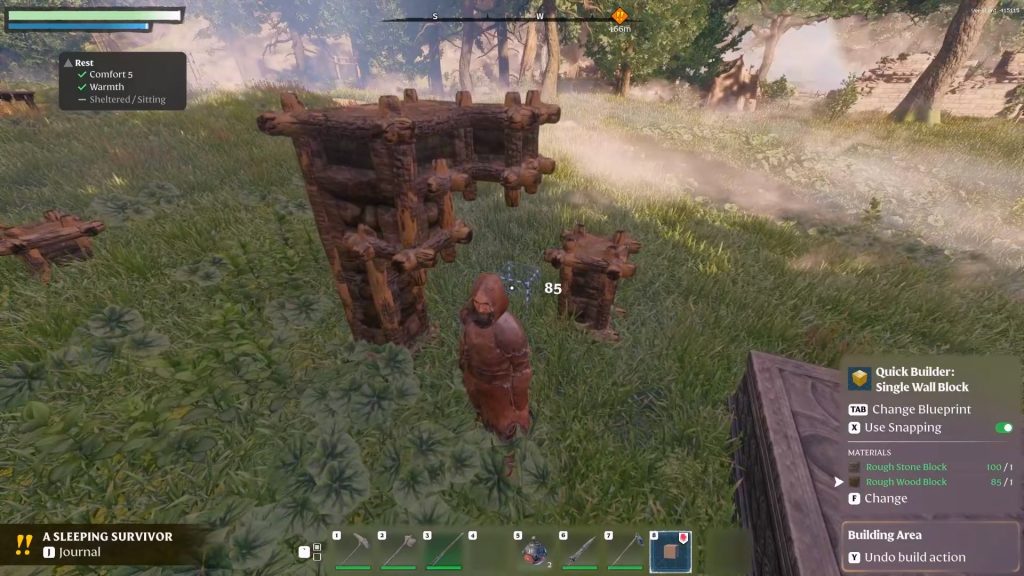
Now, you can place additional blocks by using Left Click again, or you can remove any block you placed by pressing Right Click instead.
Putting blocks down together so that they touch will create structures, which will be the basis when building a base in this game. But that’s just the start!
Advanced Structures
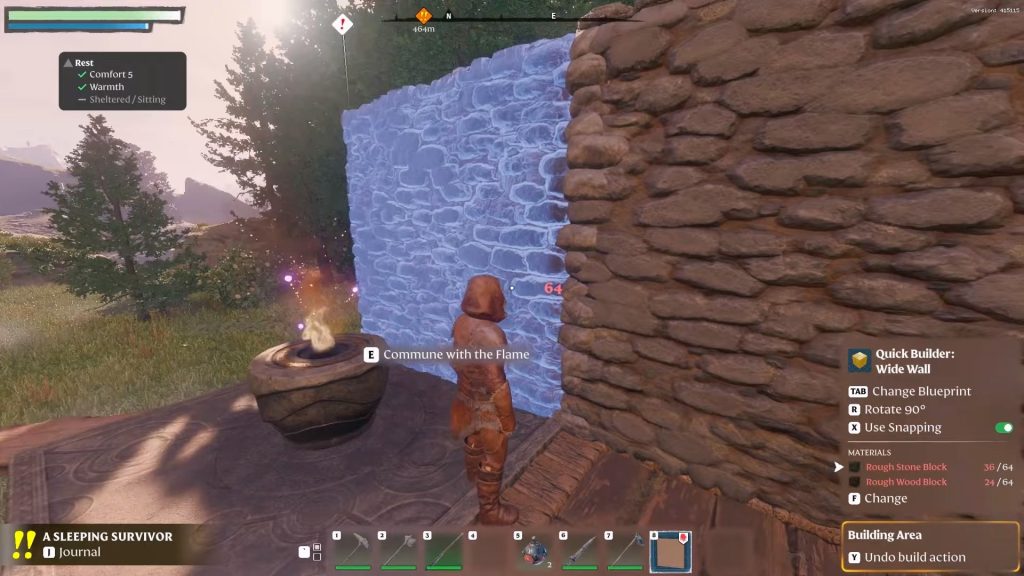
Now that you know the very basics, it’s time to move up to more advanced structures.
You can access the blueprints for structures from the hotbar at the bottom of the screen. Notice the different tabs, like Single, 2M, and the like? Press Q or E to cycle through them.
These structures will use whichever base block you picked as your material previously, which would be the Rough Wood Block in this case.
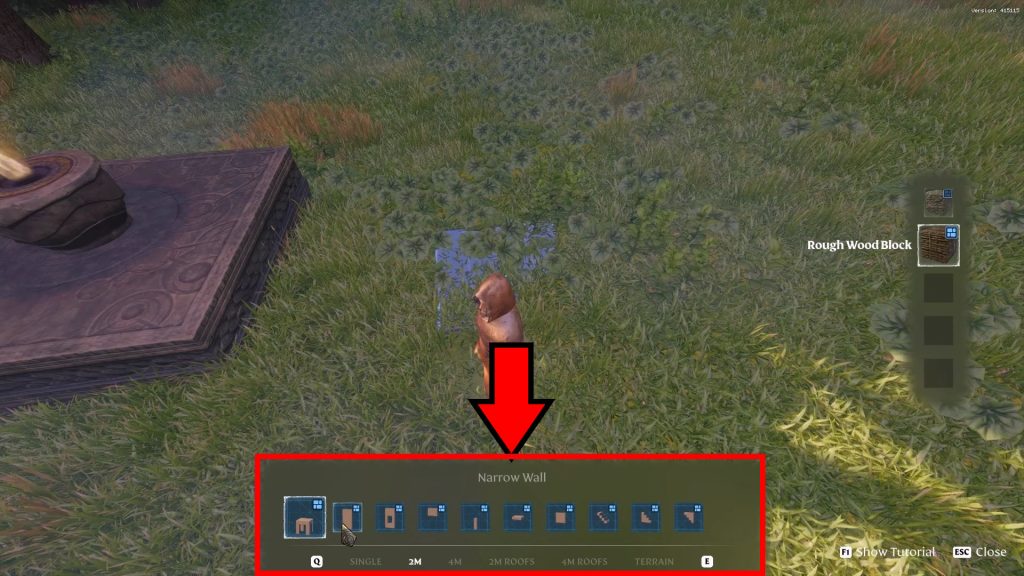
The blueprint system is quite in-depth and features everything you need for your base such as foundations, walls, and even furniture!
Placing these structures works just the same as the singular block from earlier, as well.
These preset advanced structures are similar to placing blocks one by one yourself, too, but they speed things up. However, that also means that you can use Right Click to remove parts of the structures for customization.
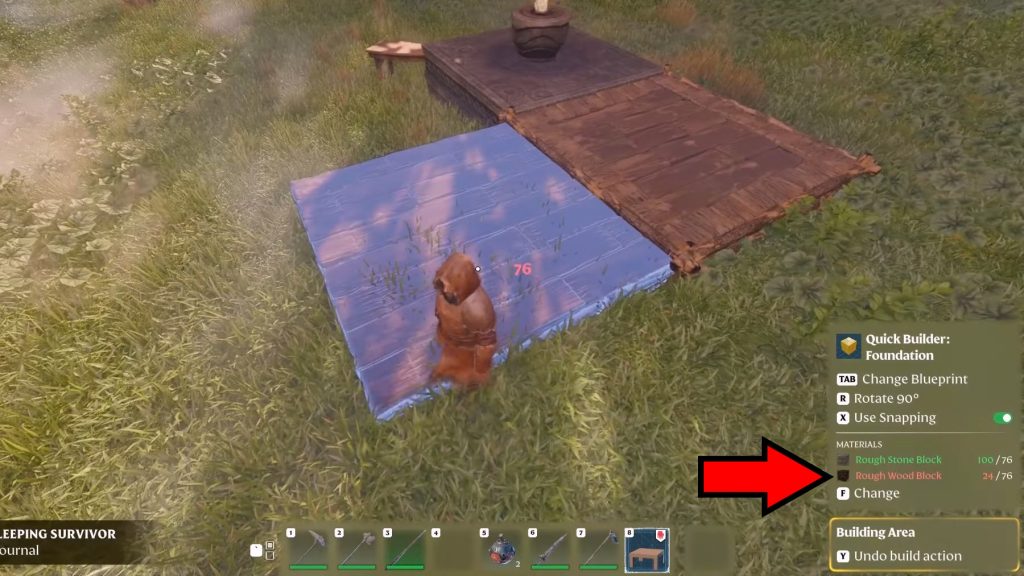
Do note that these require a lot of blocks to build, however. The required materials for your chosen blueprint are shown in the bottom-right corner of the screen, so keep an eye there.
What Counts as a Base in Enshrouded?
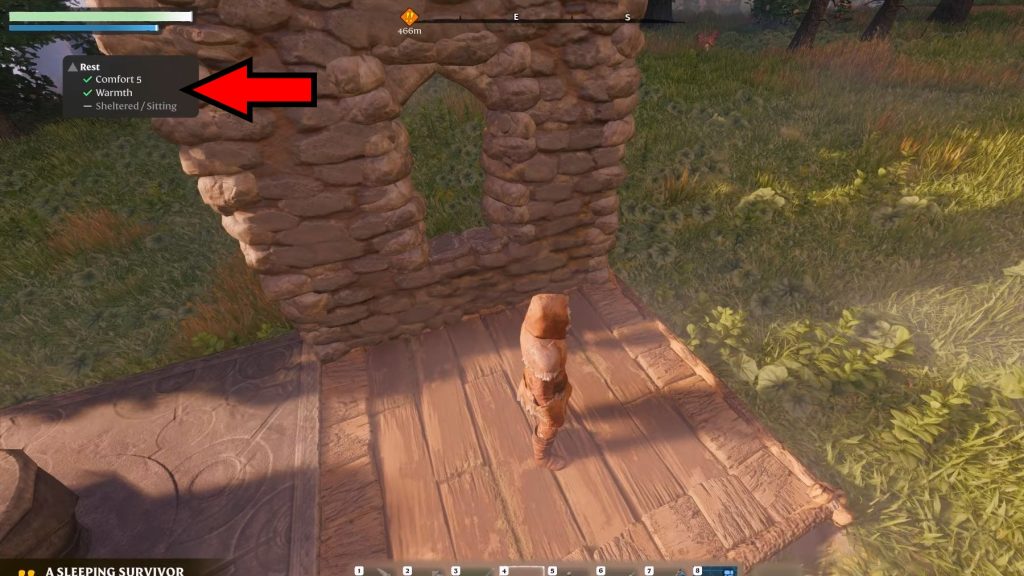
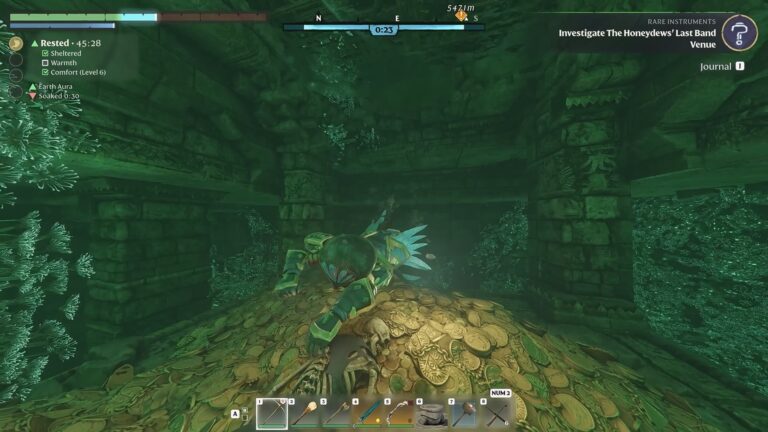
A base in this game is basically any building that allows for your character to rest. The conditions for resting are as follows:
- Comfort – this can be increased by a large number of variables, such as having nice furniture and making sure your character isn’t too hot or too cold.
- Warmth – your character should be close to a fire source, such as a bonfire or the Flame Altar itself.
- Sheltered/Sitting – as it implies, your character should be under a roof or sitting on furniture.
The comfort requirement can be fulfilled just by having your character wear appropriate clothes for the biome and weather, but the other two are more dependent on your base.
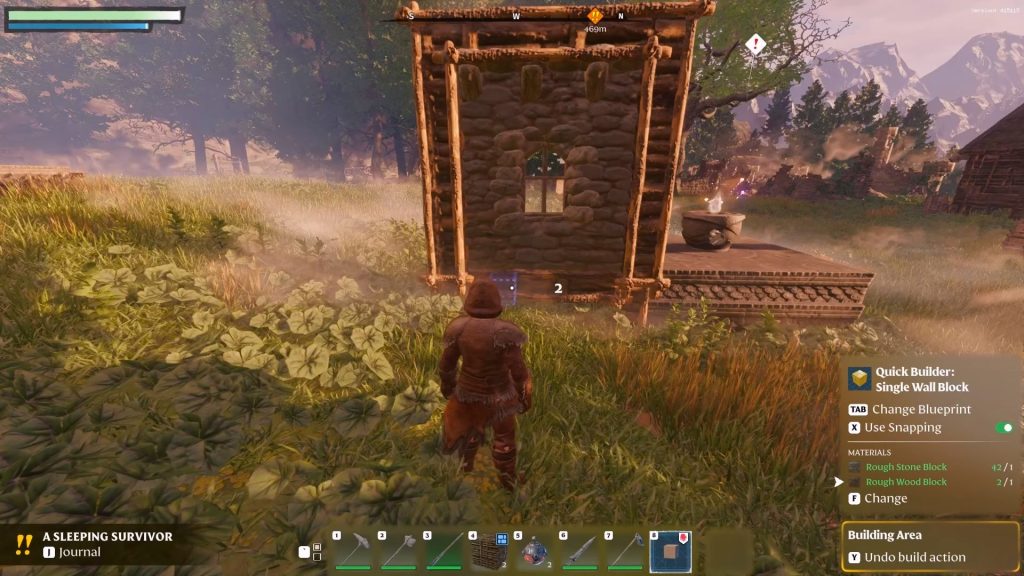
Nonetheless, comfort will naturally go up as you spice your base up!
For warmth, make sure to have fire sources within your home. Building your base around the Flame Altar can make this extremely easy to meet.
For Sheltered/Sitting, make use of the advanced structures blueprints to build roofing and furniture. We recommend focusing on roofing primarily, of course!
It should go without saying, but having a roof is vital for your base in the long run.
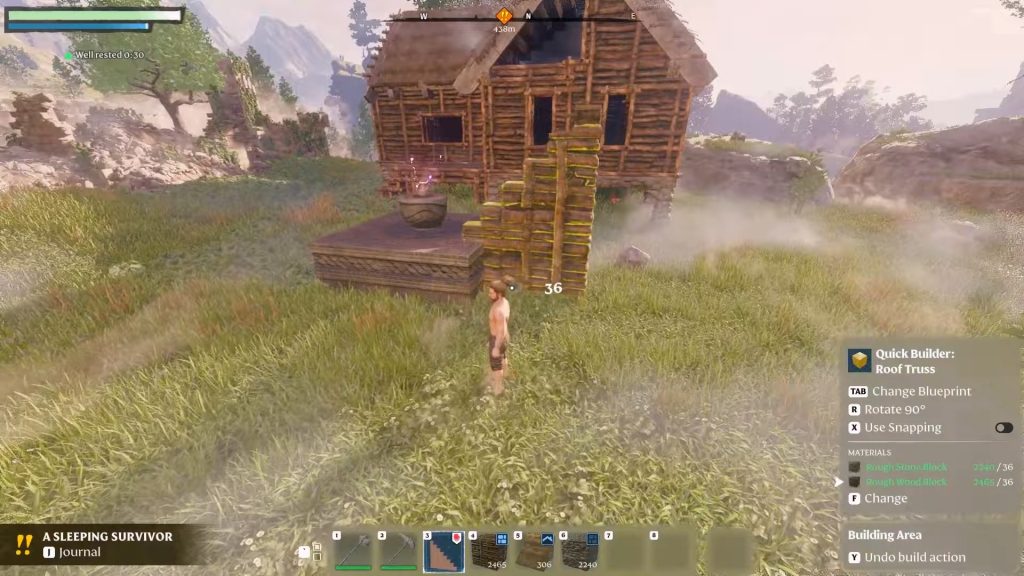
All things considered, meeting the qualifications for a base is extremely easy in this game. Not a bad thing, mind you, as it allows you to really experiment with the deep crafting system!
But now that you know the basics it’s all up to you. Go out there and craft the coolest and coziest base you can in Enshrouded, then make sure to show it off to other players!
ALSO READ: Enshrouded: Beehives and Beeswax Location