50 articles
Arknights: Endfield is a gacha game, so it’s no surprise that trying to re-roll seems enticing.
After all, re-rolling allows you to get a headstart by getting the best units straight from the start! That, or just get a character you personally like. As simple as that is, it goes a long way to making the game more attractive!
In this guide, I’ll tell everything you need to know about re-rolling in Endfield and whether it’s worth doing.
A Disclaimer Before You Re-Roll
Before we go into the guide proper, you should first know what you’re getting into. The re-rolling process in Endfield can be a bit annoying.
 Arknights Endfield: The Three Swords of Mastery Quest GuideJan 31, 2026
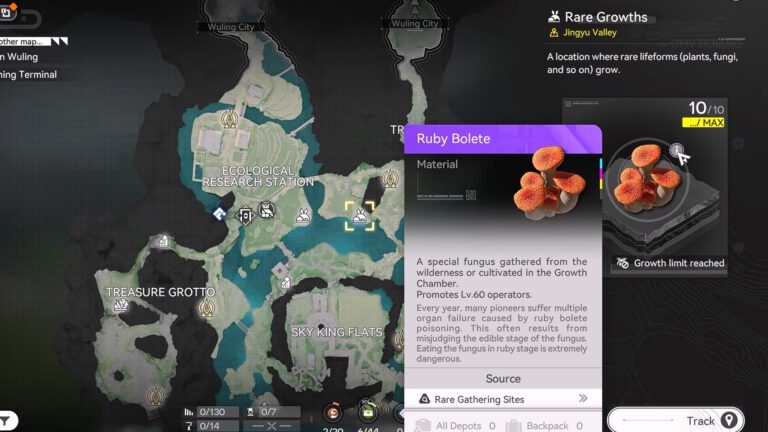
 Ruby Bolete Location in Arknights: EndfieldMay 14, 2026
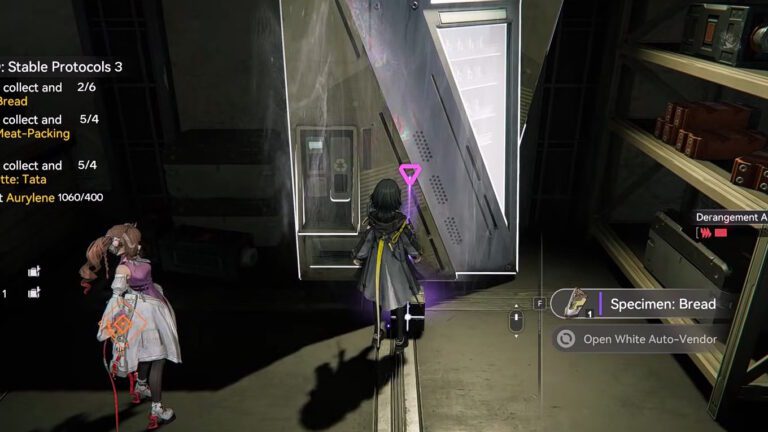
 Specimen Bread Location in Arknights EndfieldMay 12, 2026
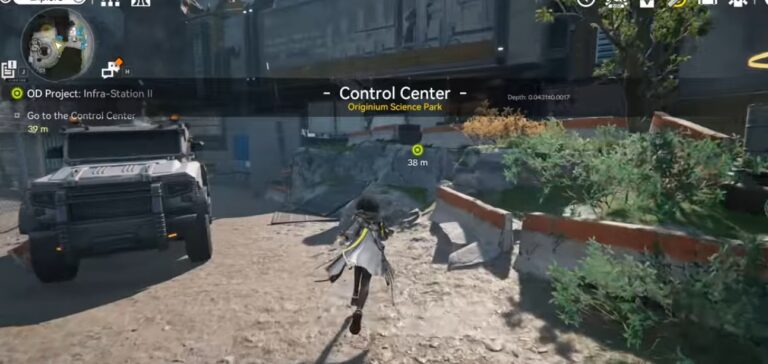
The main reason for this is the usual introduction woes. The start of the game is relatively slow, forcing you to go through cutscenes and tutorials.
While you can skip cutscenes and dialogue, you’ll need to deal with the gameplay sections every time. This includes fighting a tutorial boss, which you can not skip at all!
All in all, it takes about 30 minutes at a minimum. And that’s just rushing through the game to reach the point where the gacha unlocks.
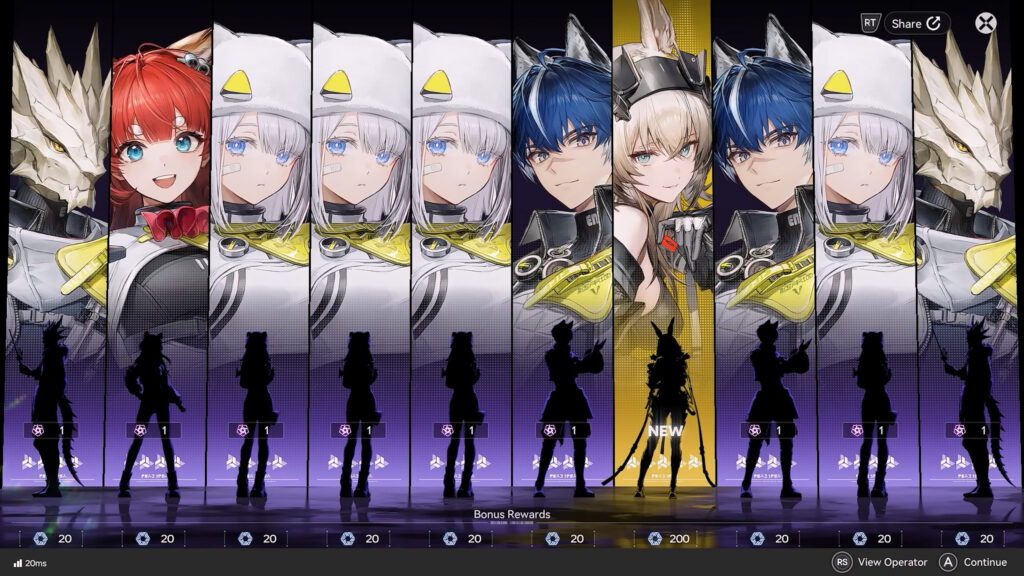
What’s more, you don’t get too many rolls, even with the launch day rewards in the mail. Plus, each roll only has a 0.8% of being a 6-Star Operator. And that’s for any of them, not even necessarily the one you want!

On top of all of that, the way Endfield is set up sort of incentivizes you to keep pulling for character over time.
As we’ve covered in the F2P overview, pulling in the character gacha gives you Arsenal Tickets. These Arsenal Tickets are then used to pull for weapons to equip your characters with.
While there are other sources of Arsenal Tickets, the bulk of them will simply come from you pulling the character gacha.
So, if you just get the character you want from the get-go via re-rolling, you’ll have very few Arsenal Tickets. That means fewer weapons, which can potentially slow down your progression!
Now, whether or not to proceed with the re-roll is up to you. I just wanted to make sure that you know what you’re getting into with Endfield.
Without further ado, let’s now go over how the re-rolling process works!
How to Re-Roll
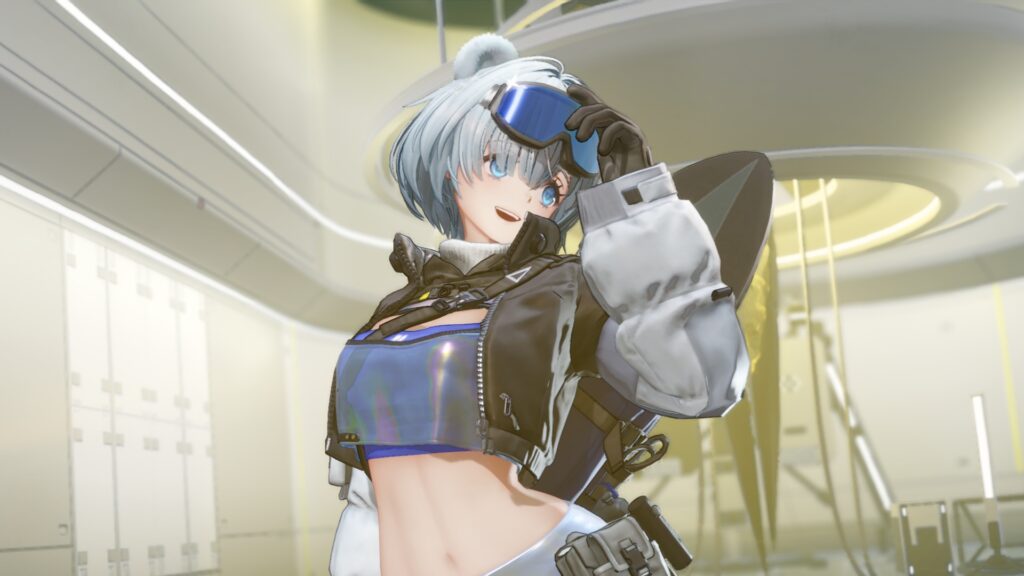
To start the re-roll process, you’ll want to have either a Gmail account or use a temporary e-mail service.
The Gmail account would allow you to use salted e-mails by adding periods to the address. All of these salted e-mails will redirect to your normal Gmail inbox, but will allow you to create multiple Endfield accounts with ease.
For example, [email protected] can become [email protected] or [email protected]. So on and so forth!
Alternatively, use a temporary e-mail provider. There are loads of free ones that require no sign up. If you don’t get what you want, you can delete the e-mail address and get another to try again.
If you do use a temporary e-mail address, you’ll need to transfer the “good” roll account to your proper e-mail address. I’ll tell you how to do that later.
For now, though, make sure to keep the temporary address active until you are 100% sure that you wish to re-roll again. It will be necessary to change it to a permanent one later.

With that said, you just need to log in to Endfield using your salted or temporary e-mail. Then, play through the starting portion of the game as normal.
Reach the point where the gacha feature, Headhunting, unlocks. Claim all rewards from the in-game mail to get some extra rolls, as well. Then, exhaust your rolls in the gacha and pray that youget the character you want!
If you don’t get what you want? Well, log out and then register using either a salted address or a new temporary e-mail address.
The process itself is actually extremely simple here, thankfully. As I mentioned before, though, it is still quite time-consuming due to all the forced tutorials and such.
If you used a salted Gmail address for this, you’re all done as soon as you pull a character you’re satisfied with. It’s as simple as that!
For temporary e-mail users, though, let’s go over how to transfer your account to your proper e-mail address.
How to Change from Temporary E-Mail to Permanent E-Mail
At this point, it’s important that you keep the temporary e-mail address you made active for a bit longer. Do not close it, or you’ll be unable to change the address!
Anyway, you’ll need to visit the official Arknights: Endline website. Log in to the temporary e-mail address account and then open the Account Center.
Then, select Change Email under the Security Settings on the left side of the center. Ask for a verification code, and it will be sent to your temporary e-mail. Copy it back onto the Endfield site to unlock the security settings.
In the second step, Link New Email, type in the permanent e-mail address you wish to tie to this account. Ask for the verification code as usual, then confirm it. Your account will now be tied to your permanent e-mail address, making it all yours!
That’s all you need to know to re-roll in Arknights: Endfield! All in all, it’s a very simple process for this game. It’s just very time-consuming and suboptimal in the long term, though. But now you know how it’s done.