

 13 articles
Last Train Home requires you to fully utilize the scarce resources and key units to achieve victory. Each decision you make will determine the outcome of your missions. Invest in the right upgrades, and right units and make the right moves to bring your whole crew forward.
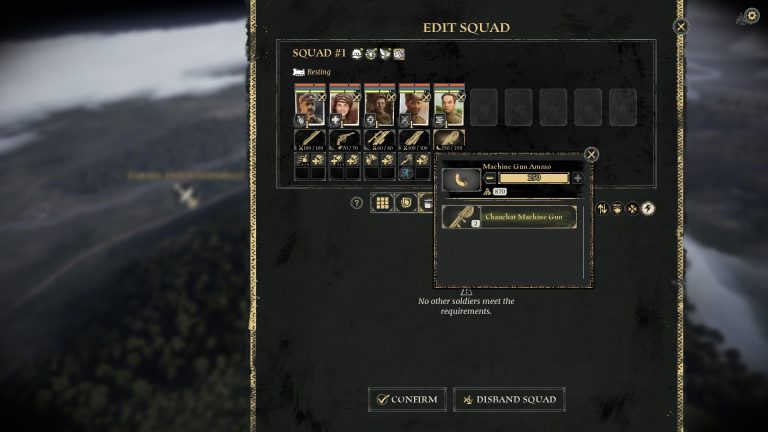
Since the game is still quite new, the game may have some problems. When you save your game, you may be prevented from creating/editing new squads or performing any upgrades.
How To Fix Can’t Create New Squads/Edit, Upgrade Train & Have Nothing In Guide After Saving
This solution won’t guarantee that the problem be fixed, however, you can still try doing it and see if it works. According to one of the game’s developers, you can try these steps:
- Remove everything in the saved folder and save it somewhere else. Here’s the file Location: SteamLibrary\steamapps\common\LastTrainHome\Train\Saved\SaveGames.
- Launch the game and start a new game.
- Switch guides off, which should all unlock all UI (Options > Show Guides > Off)
- Finish the very first mission and make sure all UI is visible.
- Quit the game.
- Copy the last autosave file you stored earlier back into the Savegames folder.
- Launch the game
- Try to load the autosave.
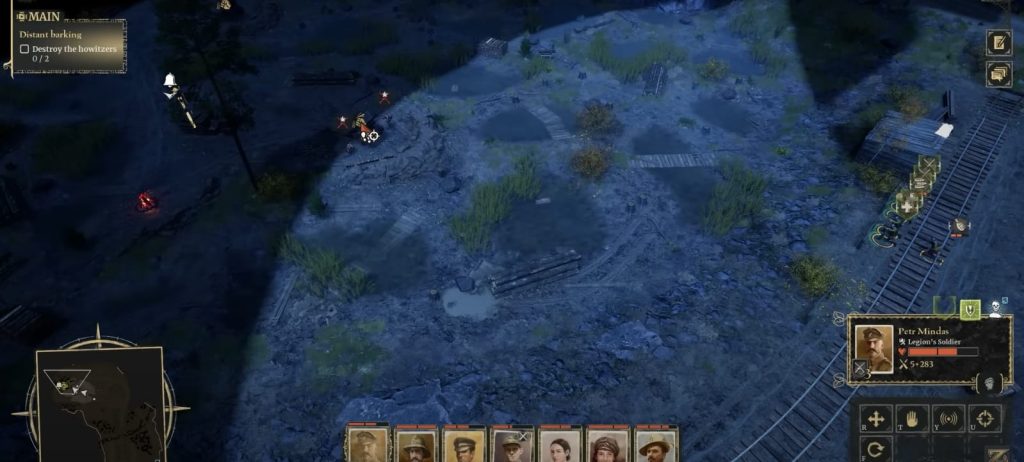
If the steps above don’t work, you can try deleting all of your game files and reinstalling the game. It seems like many players in the community are having the same problems with the game. The developers are working to solve the problems.
 Last Train Home: Which Car To Get?Dec 6, 2023
 Last Train Home: Which Way After Penza – North or South?Dec 5, 2023
 Last Train Home: Are Maps Random?Dec 3, 2023
If doing all the steps doesn’t work, it’s best to wait for a while. For now, the solution can only help partially. It will help you create squads, but you won’t be able to upgrade your train.
READ NEXT: Last Train Home: Fuel Guide & Location | Prevent Running Out of Fuel