
 2 articles
Games are not just for consoles or for PC users. Mobile games have also conquered the heart of gamers which is why mobile games are continuously increasing. One of the known battle royale games in mobile is the Garena Free Fire. This game was released way back in September 2021.
Garena Free Fire Max is the new and reinforced version of the Free Fire series that mobile gamers are loving ever since. The same as the previous versions, Garena Free Fire Max is also a battle royale type of game, but with new and improved features and cosmetics. Through this type of game, playing battle royale is more convenient for players as it is easily accessible with just their phone with them.
However, it was fun until it lasted. The latest Free Fire update has left a problem with players. Free Fire players cannot log in to the game and go back to the battlefield. As error and a notification is appearing which prevents them from entering the game.
In this brief guide, we will be explaining how to fix this problem of the server in Free Fire.
 Free Fire: How to Get BTS BundleApr 4, 2022
How to Fix “Server Will Be Ready Soon” Problem in Free Fire
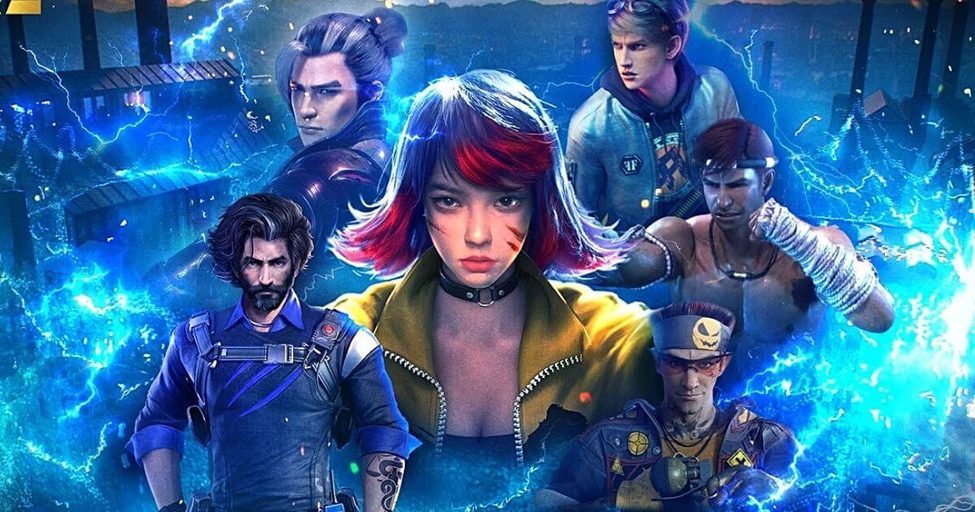
Players have been very excited with the recent update of Garena Free Fire Max. With the new added features and rewards, a lot of players have been itching to try the game once the update was released. Yet, things just don’t go your way sometimes.
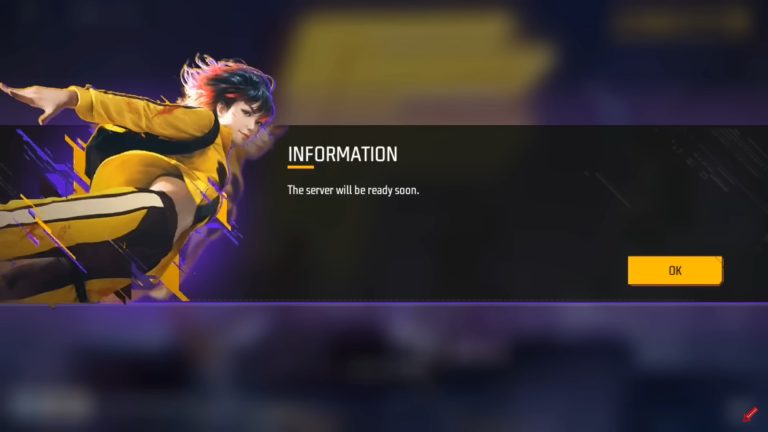
The game is not started, making the players frustrated. A notice is appearing as you start to enter the game—The Server Will Be Ready Soon.
Since the update, the game server is down and under maintenance. People have been struggling to fix this for them to be able to play the game as soon as possible. Some of the troubleshooting processes done by some players is uninstalling the game, and then reinstalling right after. However, doing this doesn’t make any change.
Since the game server is under maintenance, it is safe to say that anyone outside the game developers can do nothing but to wait until the server is back.