 24 articles
Having just come out, XDefiant has managed to reel in a lot of players in a matter of days. Ubisoft’s take on a Call of Duty style shooter, XDefiant is fully online with multiplayer being its sole focus.
For a multiplayer only game, not being able to find a match essentially means you can’t really play the game. So, how can you fix matchmaking issues in XDefiant if you happen to run into them?
Fix Unable to Find Match & Matchmaking Issues
There isn’t an exact solution to fixing matchmaking issues in XDefiant, but there are things you can do that might help you out. We will be looking at exactly what you need to do to fix this issue.
Unranked Matchmaking
Something that has worked for a lot of people is starting an Unranked match for a specific game mode.
 XDefiant: Weapons Tier List | Best Weapons To UnlockMay 29, 2024
 XDefiant: How To Unlock All Weapons | Ultimate GuideMay 29, 2024
 XDefiant: How to Unlock MP7 WeaponMay 29, 2024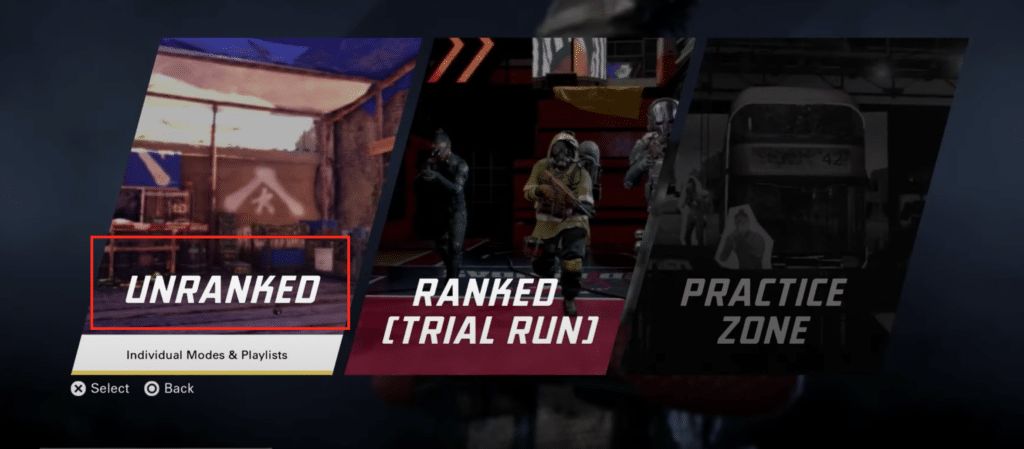
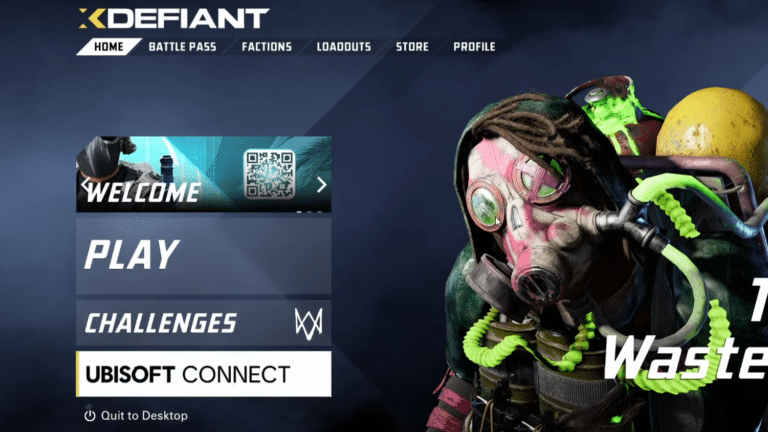
For this, the first thing that you need to do is go into the Play option and then select Unranked.
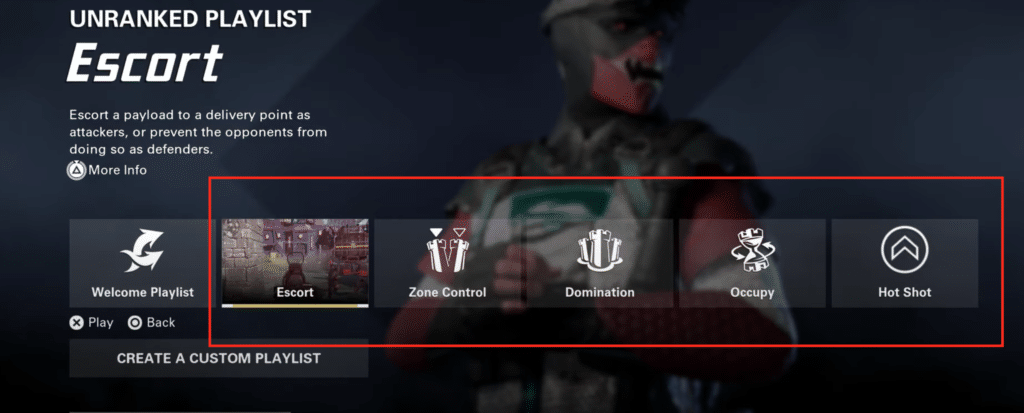
From there, you can see all the different game modes that you can play in the Unranked Playlist. To fix the Matchmaking issue, all you need to do is select one of the five individual game modes and just wait for the lobby to fill out.
This might take some time, as it is much harder to find games for the specific game modes.
Matchmaking Settings
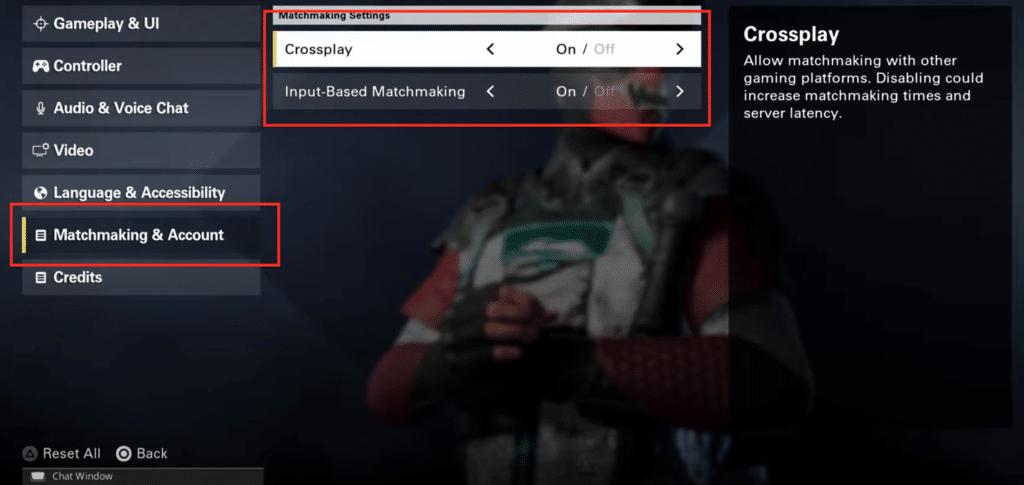
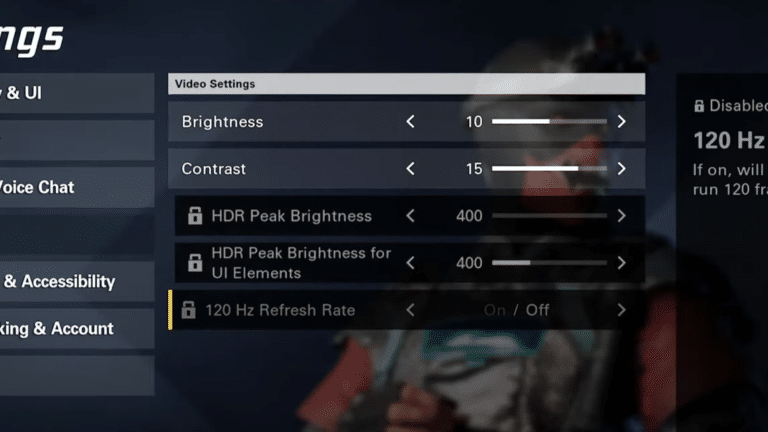
You should also go over to the Matchmaking and Account settings and switch on both Crossplay and Input Based Matchmaking. You can find the Matchmaking and Account settings in the games Settings menu.
If your Crossplay is turned on, try turning it off and try finding a match after that. Having Crossplay on will generally make it easier for you to find a game, as there will be a bigger pool of players.
Of course, having both settings on might turn out to be annoying for some players, especially those playing on consoles. Playing against PC players from a console, especially in a FPS game can be pretty difficult.
If both methods don’t work for you then your best bet will be to contact Ubisoft Support. If you happen to run into similar problems in some other game too then you might want to check your connection or contact your internet service provider.
It’s important to note that a lot of players are running into matchmaking problems right now. The game is still quite new, and with so many players trying to play at the same time, there’s a good chance the issue might be Ubisoft’s fault. So the best thing you can do is just wait it out and try getting into a game sometime later.