 24 articles
As the newest arena shooter on the charts, XDefiant is yet another great choice if you love playing with friends. But, whether they’re friends you already have or friends you’ve yet to meet, your Display Name is the first impression anyone will have of you. Luckily, changing your Ubisoft name is simple and easy!
Read on to discover exactly how to change your Ubisoft display name so your friends can find you on XDefiant!
How to Change Ubisoft Display Name
Display names in multiplayer games are a great way to show who you are. Whether you opt for a version of your name, or something funny and memorable, it’s important to pick something that resembles you. Just remember not to choose any words the system won’t allow!
Once you’re on the XDefiant home screen, go to Ubisoft Connect and click it. From here, you’ll need to scroll down to Account Management. Your username will appear at the top of the box, and from here, you can change your display name.
 XDefiant: Weapons Tier List | Best Weapons To UnlockMay 29, 2024
 XDefiant: How To Unlock All Weapons | Ultimate GuideMay 29, 2024
 XDefiant: How to Unlock MP7 WeaponMay 29, 2024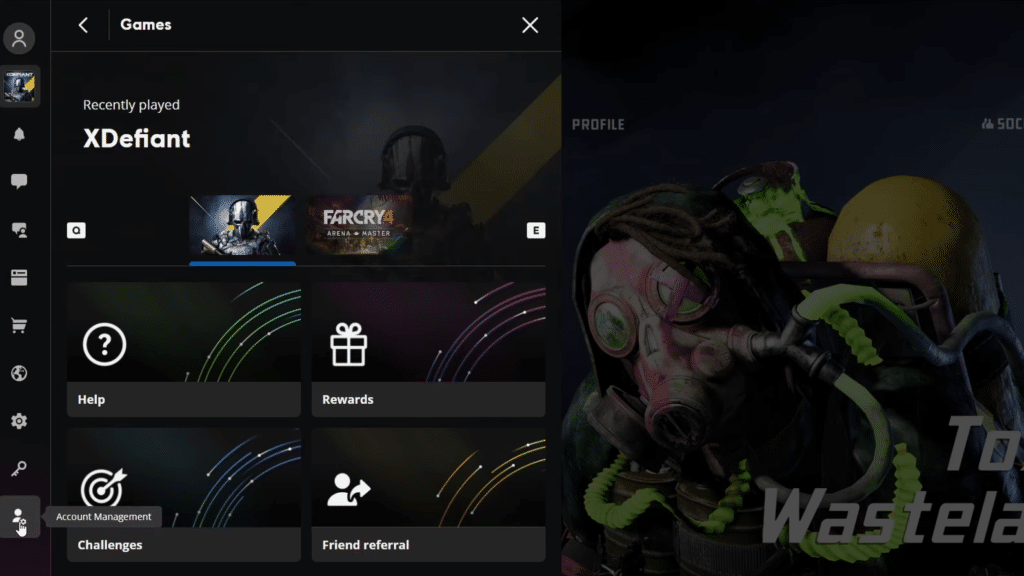
For Ubisoft, you can change your display name once every 30 days. So, make sure you’ve typed exactly what you want before hitting confirm, as you don’t want to be saddled with a mistake for a month!
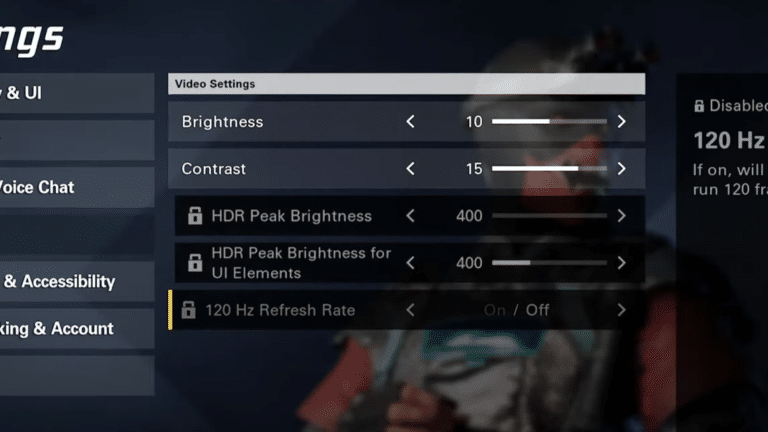
Want faster graphics on XDefiant? Check out our guide to enabling 120 Hz on PS5 and Xbox Series X/S!