32 articles
Have you ever accidentally stashed away an important item in Terraria? The Quick Stash feature is extremely useful, as it automatically organizes your items into nearby chests, but it’s not perfect.
If you use quick stash without paying attention, you might have put away an item you needed. Then you probably had to spend a while going through all your chests to find it again!
Thankfully, there is a way to prevent this from ever happening again: favoriting items! Here’s how you can make use of this extremely helpful feature.
How to Set Items as Favorites in Terraria
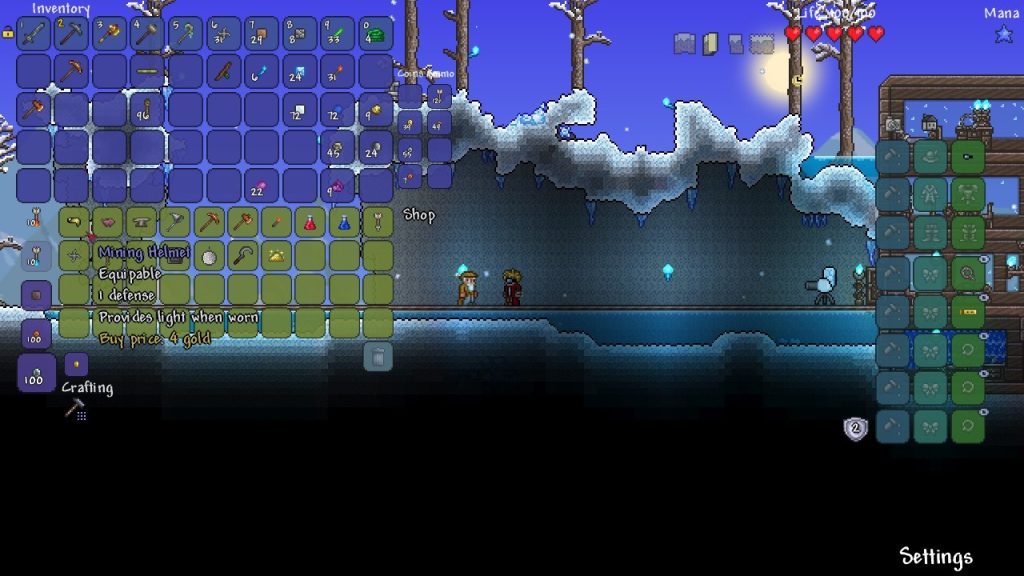
Before we begin, note that this feature is only available on the PC version of the game.
 Terraria: How to get Magic DaggerOct 9, 2023
 Terraria: Blood Moon Guide | How to Summon & SkipApr 25, 2023
 How to Get Piggy Bank in TerrariaApr 4, 2023
Sadly, the feature is not available on mobile and console versions. It’s currently unknown if the favorite feature will even be implemented on those platforms, as well.
To set an item as a favorite, open your inventory. Hover your mouse over the item you wish to favorite then hold the Alt key and Left Click on the item.
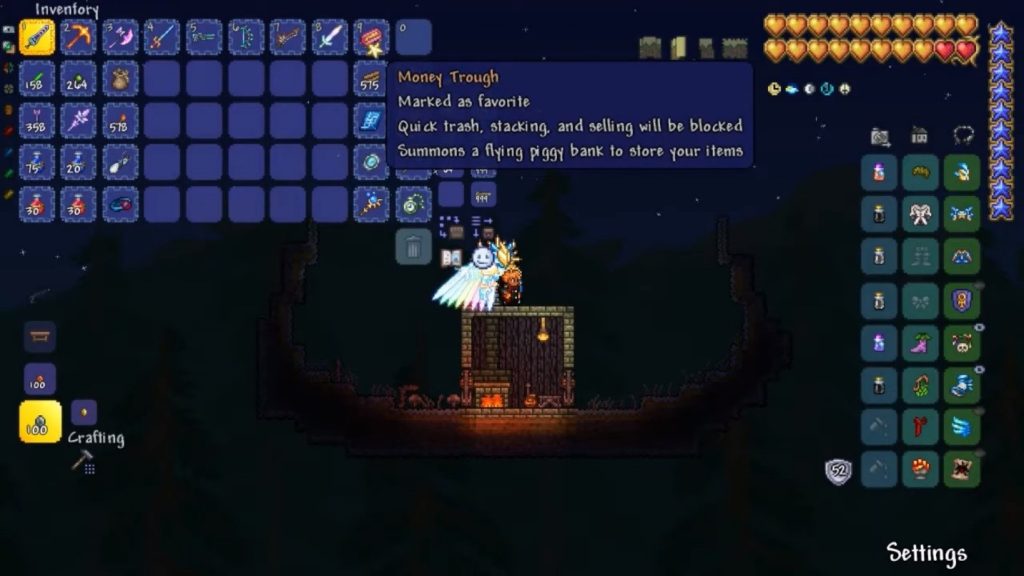
The item’s box should now have a border around it, signaling that it has been successfully set as favorite.
As mentioned in the introduction, this will prevent items from being quick stacked. It will also prevent them from being quick trashed, thrown, or deposited. You should never lose items again.
Do note, however, that equipping any piece of armor will remove its favorite status. Remember to favorite it again whenever you unequip it!
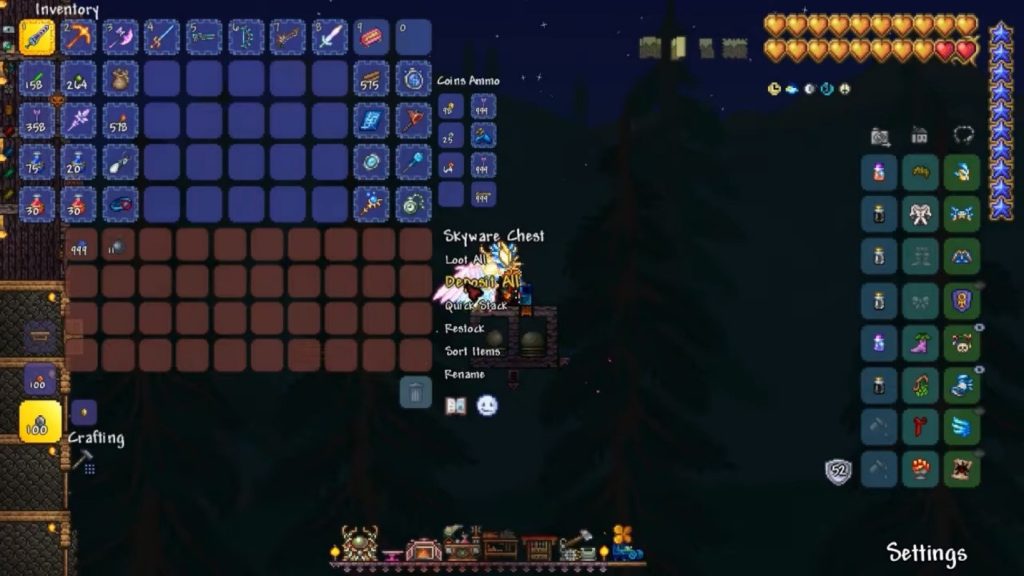
Also, favoriting an item won’t prevent your character from dropping it on death. Don’t think that you can cheat death’s punishment that easily in Terraria!
Now that you know how to make use of this mechanic, make sure to keep important items as favorites. Things like ammo, torches, tracking accessories, and the like.
ALSO READ: Conan Exiles: How to Learn and Cast Spells | Sorcery Guide