40 articles
Warhammer 40,000: Rogue Trader is a fantastic RPG, but it also has a lot of technical issues right now! One of the most egregious ones prevents you from using the warp gate at the end of Act 4.
Not everyone is hit by this glitch, of course. But, getting it can prevent you from progressing through the game’s campaign at all.
In this guide, we’ll tell you how to workaround this game-breaking bug so you can resume your playthrough!
How To Go Through Warp Gate At End of Act 4
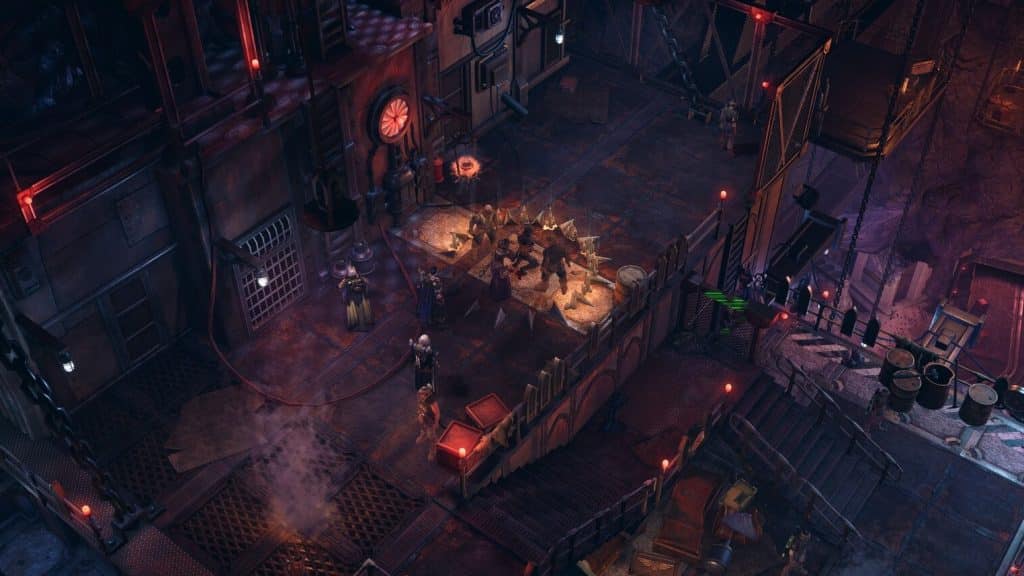
So, as you might imagine, you should be able to just go through the Warp Gate naturally. However, Act 4 is notoriously buggy right now, and even the most recent patches don’t alleviate the issue here.
 Warhammer 40K Rogue Trader: Argenta Sniper Build GuideJan 6, 2024
 Warhammer 40K Rogue Trader: Ulfar Burst Space Marine BuildJan 6, 2024
 Warhammer 40K Rogue Trader: Ancient Bunker Guide (Mercatum Tabula Quest)Jan 6, 2024
As such, your only way to actually go through the Warp Gate and progress the story is to use the ToyBox mod, which you can download from Nexus Mods.
Make sure to carefully follow the installation instructions on the mod’s page, as well.
You will need to download it and unzip it to its own folder called 0ToyBox0, then copy it to %userprofile%\AppData\LocalLow\Owlcat Games\Warhammer 40000 Rogue Trader\UnityModManager\
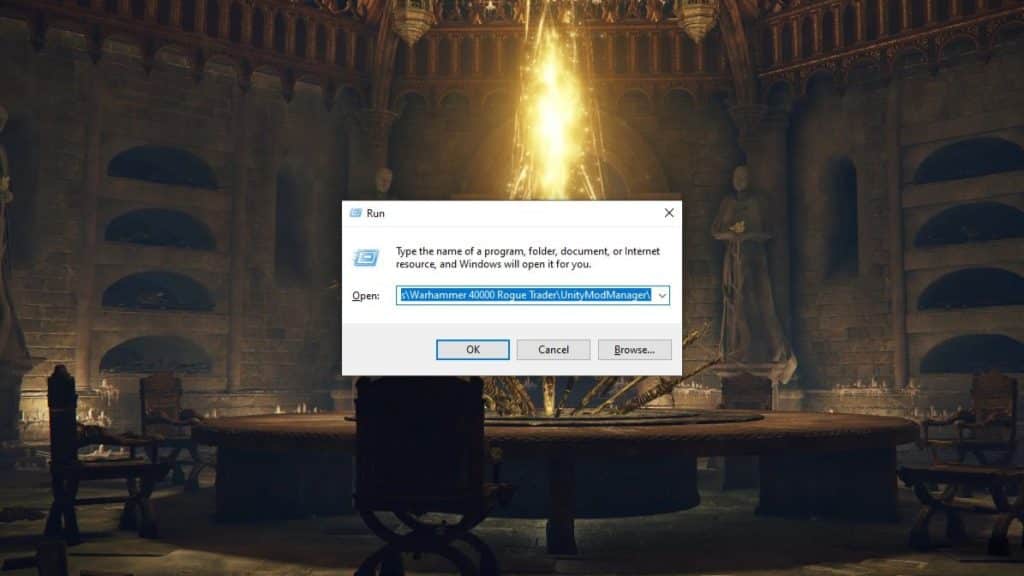
You can easily open that folder by pressing the Windows Key + R and pasting the address on the “Run” window.
Once the mod is installed, start Rogue Trader and load your Act 4 save. Go to the Voidship’s bridge in the game and then press CTRL + F10 to bring up the ToyBox command box.
In the ToyBox command box, click on the “Etudes” tab and search for “KTC_BridgeBeforeWarpGate”.
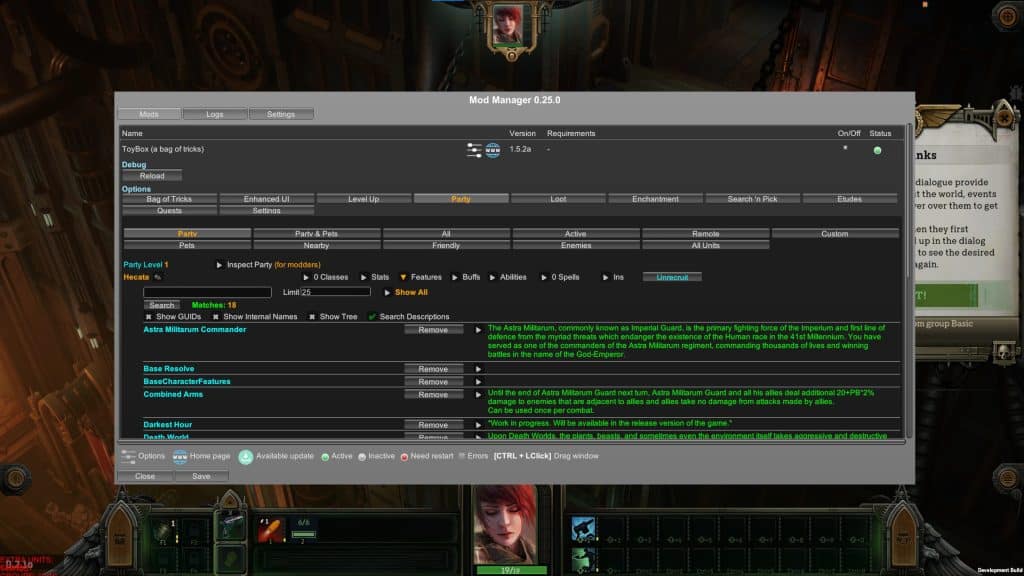
Click on the drop-down arrow next to the result and you should be able to select “Play scene KTC_BridgeBeforeWarpGate”.
Click on it and the bugged event scene will play out, allowing you to witness the finale to Act 4 and start Act 5!
If you wish to avoid using mods at all, though, you will need to wait for more official patches to be released.
Hopefully, this dastardly glitch gets fixed soon so that players can finish Rogue Trader without relying on any third-party tools!
ALSO READ: Energy Beams Puzzle in Unidentified Ruins (Latotian’s Passage) Guide in Warhammer 40K Rogue Trader