 13 articles
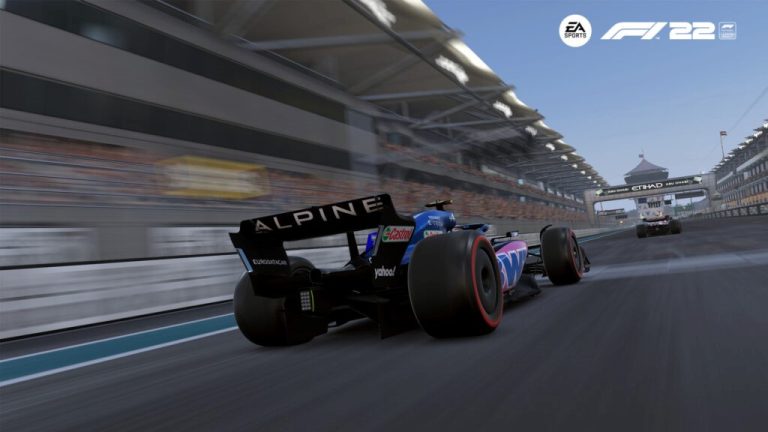
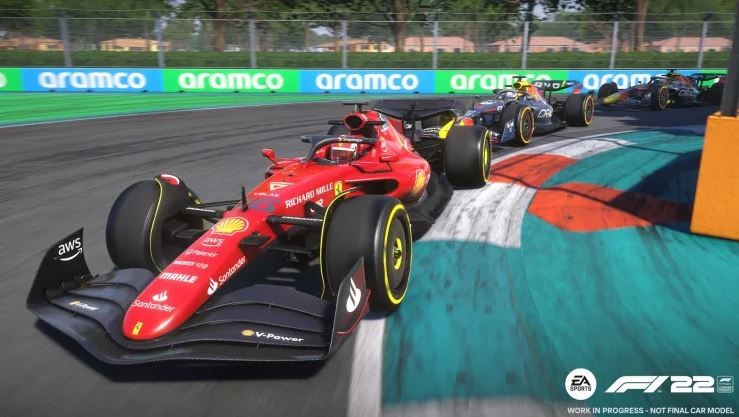
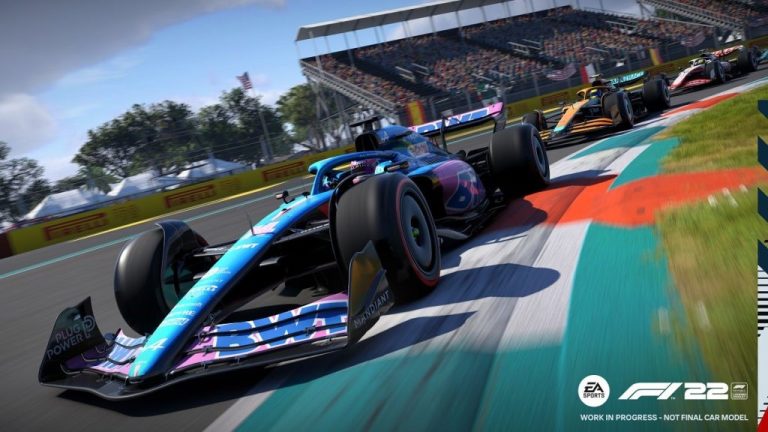
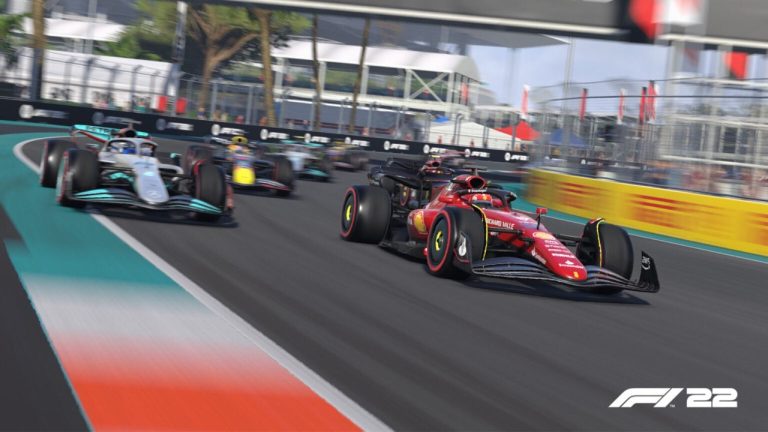
Codemasters created and EA Sports released the racing video game F1 22. It is the sixteenth installment in Codemasters’ F1 series. In addition, the championships for Formula One and Formula 2 in 2022 are officially licensed for use in the game.
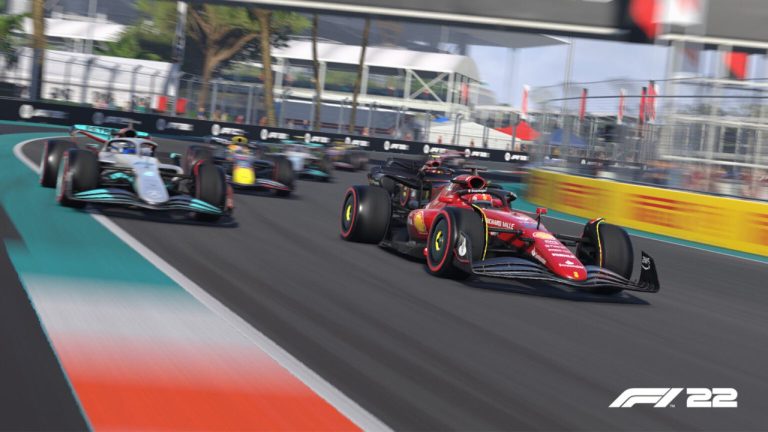
The game offers a lineup of all 20 drivers and ten teams with a chance for the player’s skills around the new Miami International Autodrome.
Wheel Settings Guide| Logitech G920/ G923/ G29- F1 22
Compared to the G29, the Logitech G923 is a considerably superior racing wheel. To imitate the vibration of a car’s engine, it has the newest Trueforce technology. It also has an improved brake pedal and appearance.
This one is one of the top racing wheels for F1 22 on a console. Here is a guide to having the right wheel settings for G920, G923, and G29
 F1 22: Setup Guide After PatchJul 29, 2022
 F1 22: How to Get Faster Guide | Top Tips to Improve Your SkillsMar 23, 2023
 F1 22: Ultimate Car Setup GuideMar 23, 2023
Select the Button
To begin, select the button named game options on the home page and then go into the choice for Controls, Settings, and Force Feedback and enter Generic settings. That then leads to where you can edit your settings for the wheel options, select the Logitech G920 option, create a new profile, and rename it.
This profile will contain specific player settings. Note that these wheel settings may be a bit more sensitive or less responsive depending on the player and can be changed to be more comfortable.
Calibration
Steering Dead zone: 0
Steering linearity: 5
Steering saturation: 0
Throttle Dead zone: 2
Throttle Linearity: 0
Throttle saturation: 0
Brake Dead zone: 1
Brake Linearity: 5
Brake Saturation: 20,
Vibration and Force Feedback
Vibration and Force Feedback: On
Vibration and Force Feedback Strength: 75
On-track Effects: 32
Rumble Strip Effects: 60
Off Track Effects: 55
Wheel Damper: 25
Understeer Enhance: On
Maximum Wheel Rotation (F1 & F2): 360 degrees
Maximum Wheel Rotation (Supercars): 720 degrees