 6 articles
MyFACTION is a unique game mode in WWE 2K24 that allows you to make Factions with your favorite wrestlers, it can be a tad confusing to get started in.
The game’s interface is a bit of a pain, with some important options being in places you wouldn’t expect. It will all make sense once you’re done reading this guide, though, or so we hope!
Now, read on and we’ll help you dive right into the MyFACTION gameplay in this game.
How to Get Started in MyFACTION – First Things to Do
MyFACTION is a card-based management game, so the first thing you should do is get some good cards. So, your first course of action will be outside of MyFACTION itself!
 WWE 2K24: Controls Guide | Moves, Finishers, CombosMay 15, 2026
 How to Carry Opponents in WWE 2K24Mar 7, 2024
 How to Drag Opponents in WWE 2K24Mar 6, 2024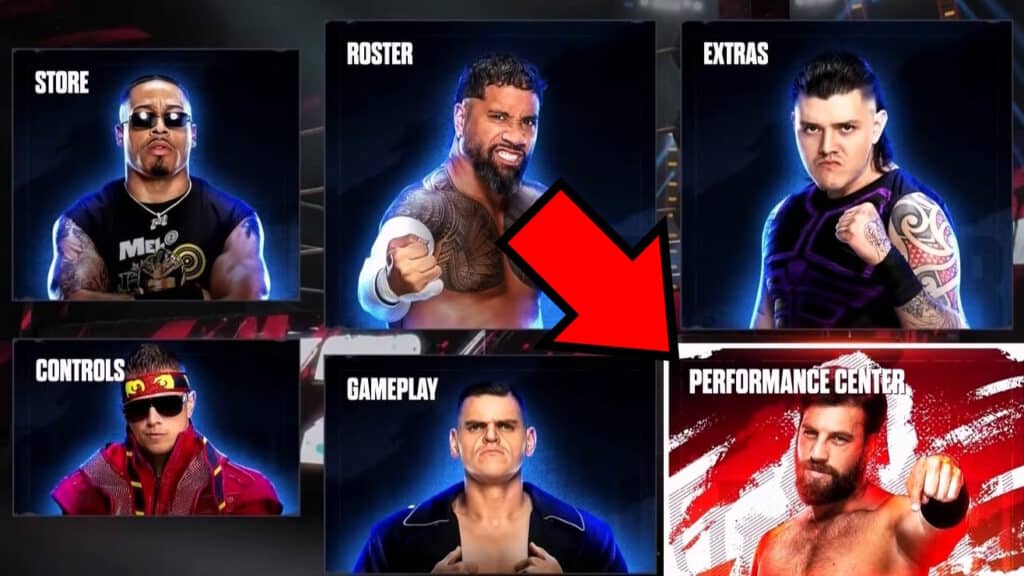
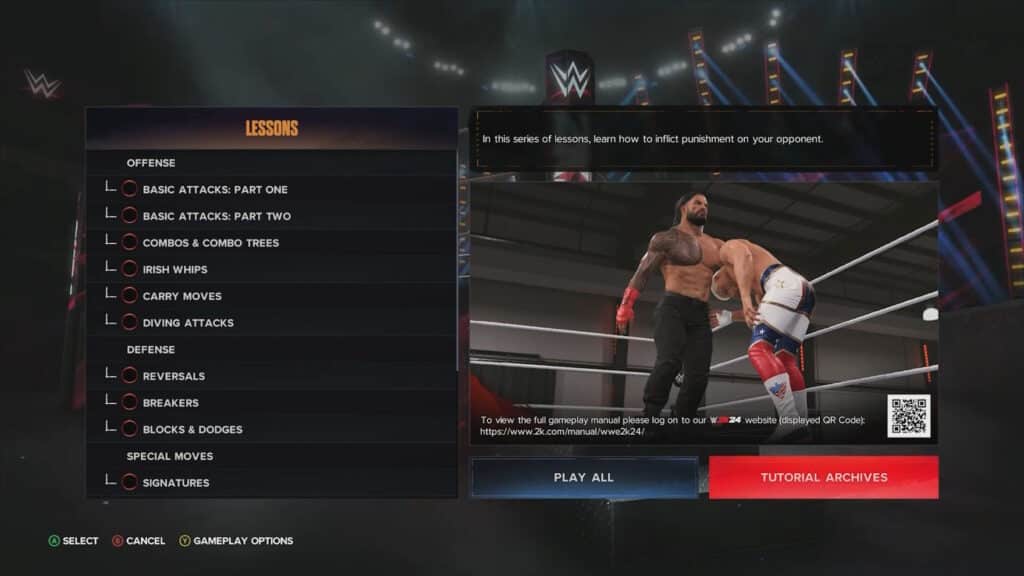
Go into the Options menu from the Main Menu and select the Performance Center. Play through all of the short tutorials here first of all!
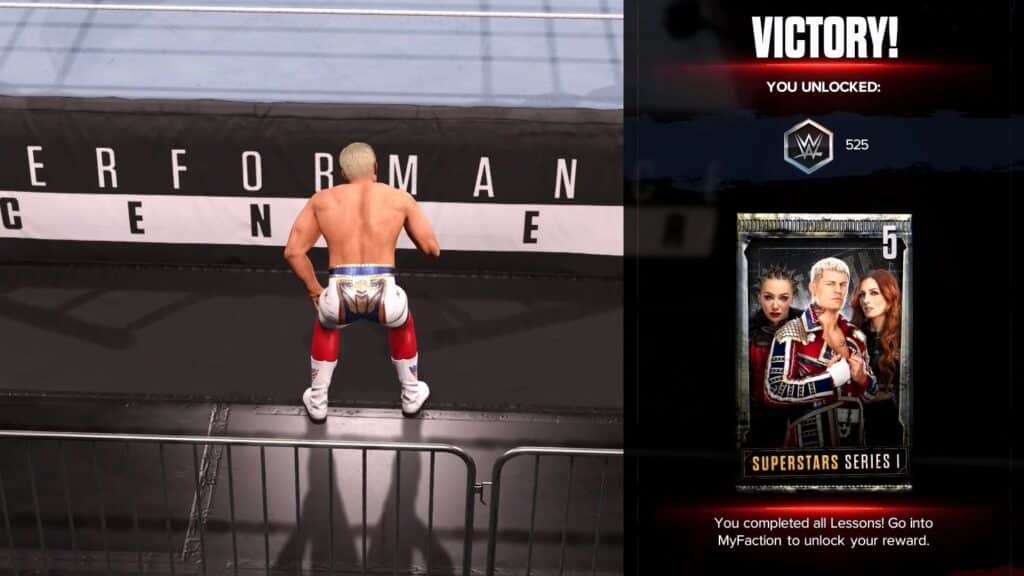
You won’t just learn the basics of the game, such as what the controls do. You’ll also earn a free Superstar Series I booster pack upon completion.
It’s free loot, no reason not to go get it!
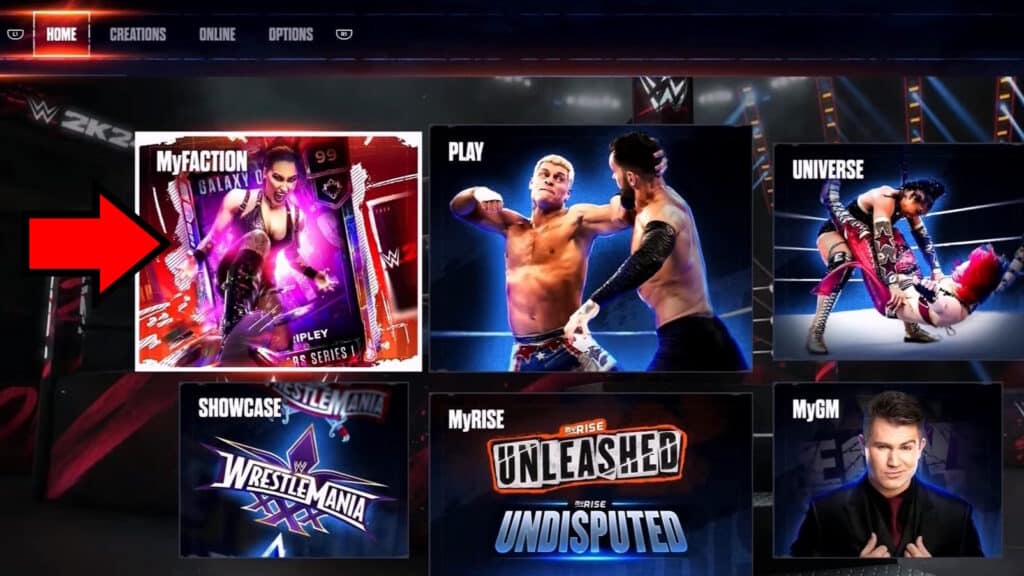
Once you’ve gotten your free booster pack, head on over to the Home tab of the Main Menu. Once there, simply select MyFACTION to get started for real.
The screen will tell you the basics of the game mode. Basically, you’ll collect cards to form your dream teams of wrestlers, then take on other player’s Factions.
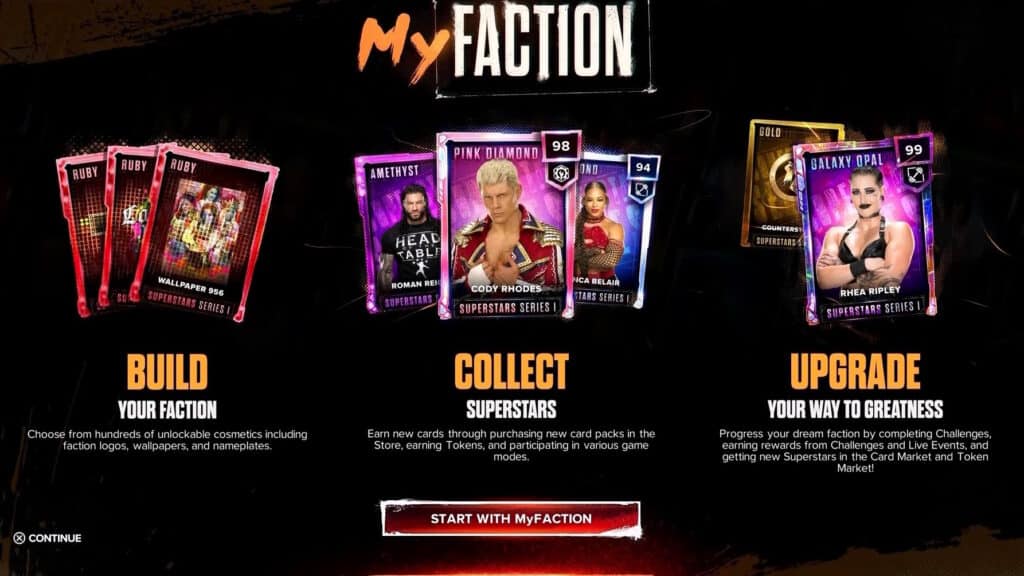
Read it all and choose to start, then you’ll get to choose a Starter Pack.
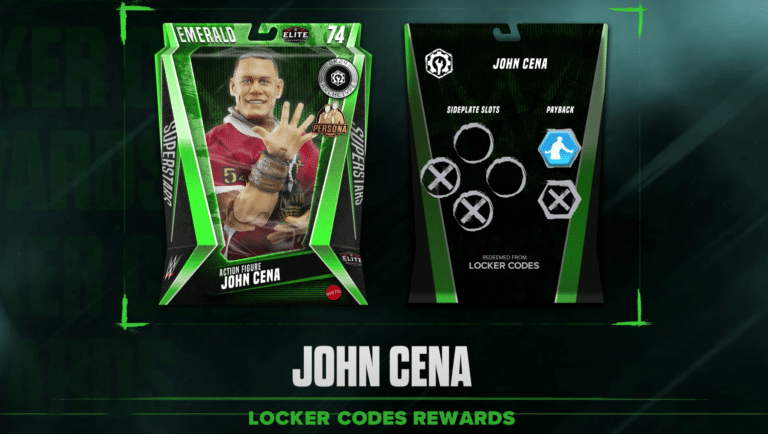
Each Starter Pack features different types of wrestler cards, but the cards themselves are completely random besides their typing. Just pick whichever one sounds most appealing!
Once you’ve got your starters, you should go back to the Main Menu. This time, head to the Headquarters tab and select MyFACTION Management.
Getting Used to MyFACTION Management
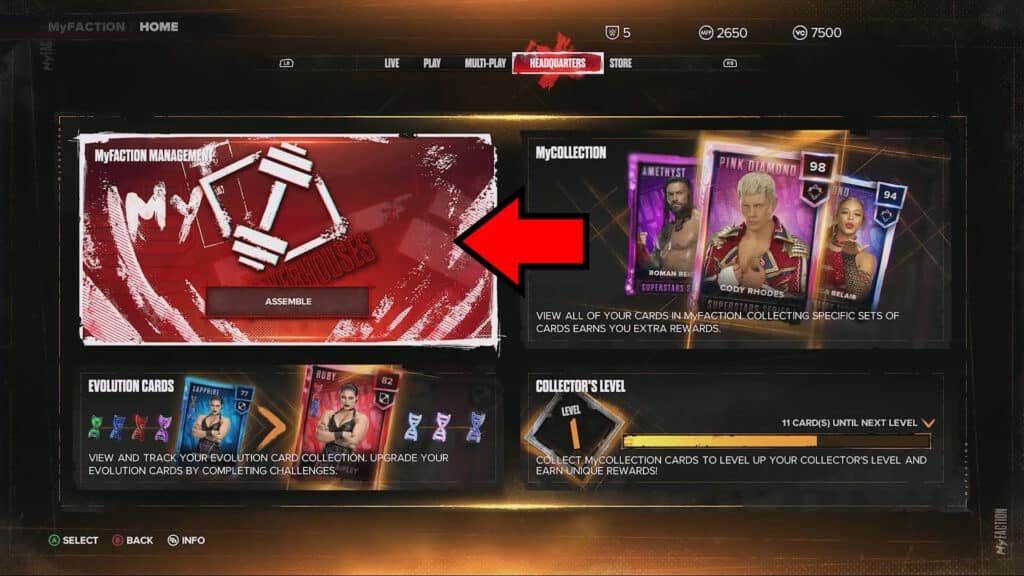
Inside of the MyFACTION Management Menu, you can set up your Factions. You can create up to 8 different Factions, so you can play around creating ones with different themes and styles!
The game will take you through the process of setting up your first Faction at this point. Once your Faction is ready to go, select it to customize it even further.
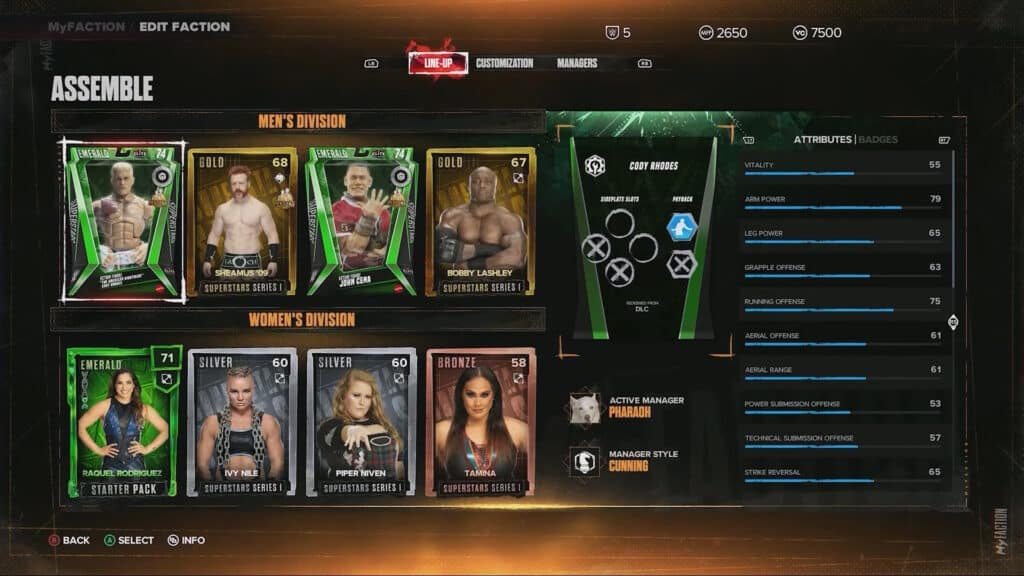
There are three tabs inside the MyFACTION Management, as follows:
- Line Up – The main event, basically. You can set up all of your wrestler line-ups using the cards you have. Put your favorite cards in your line-up to define your Faction.
- Customization – In this tab, you can set up the style of your Faction. You can set down your logo, wallpaper, and banner here. Choose a style that represents you best!
- Managers – Here’s where you can set up to two Managers for your Faction. Every Manager has a different style, which will strengthen specific types of wrestler cards. Make sure that your Manager matches your card line-up and you’ll do well.
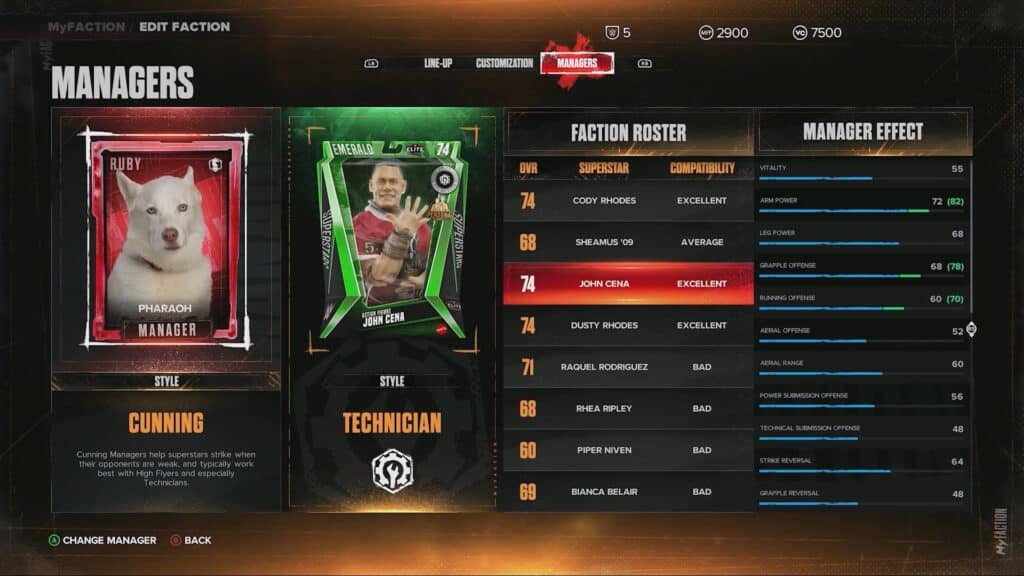
If you need extra help, make sure to press the View Button (Xbox) or the Touchpad (PlayStation) to bring up extra in-game info related to the tab you’re in.
Once you’re done setting up your Faction, it’s time to head on over to the last key point you need to know of when starting out.
Getting a Headstart in MyFACTION | Weekly Towers Game Mode
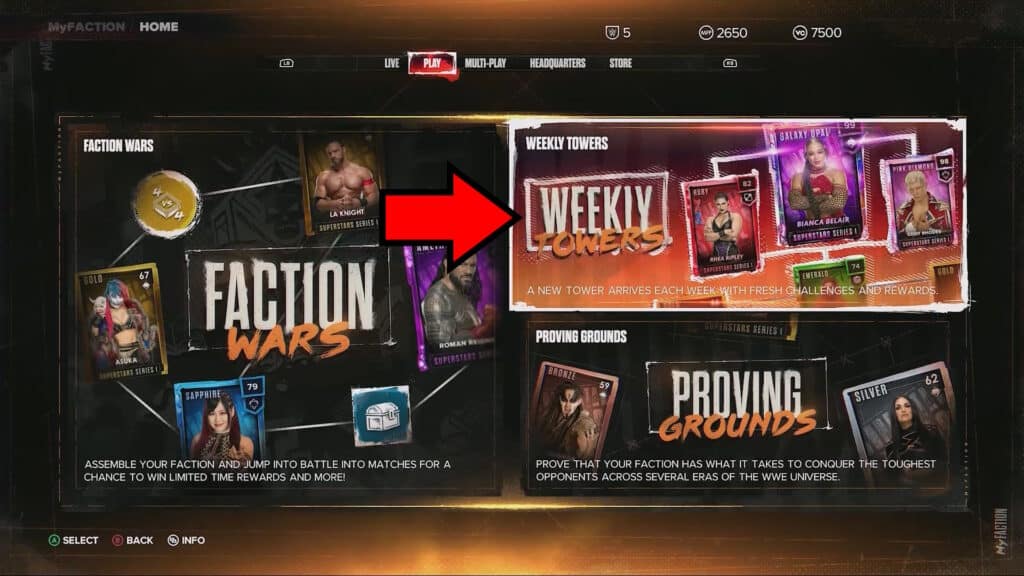
Before you dive into the main Faction Wars game mode, you should make sure to do the Weekly Towers. You can access them from the Play tab in the Main Menu.
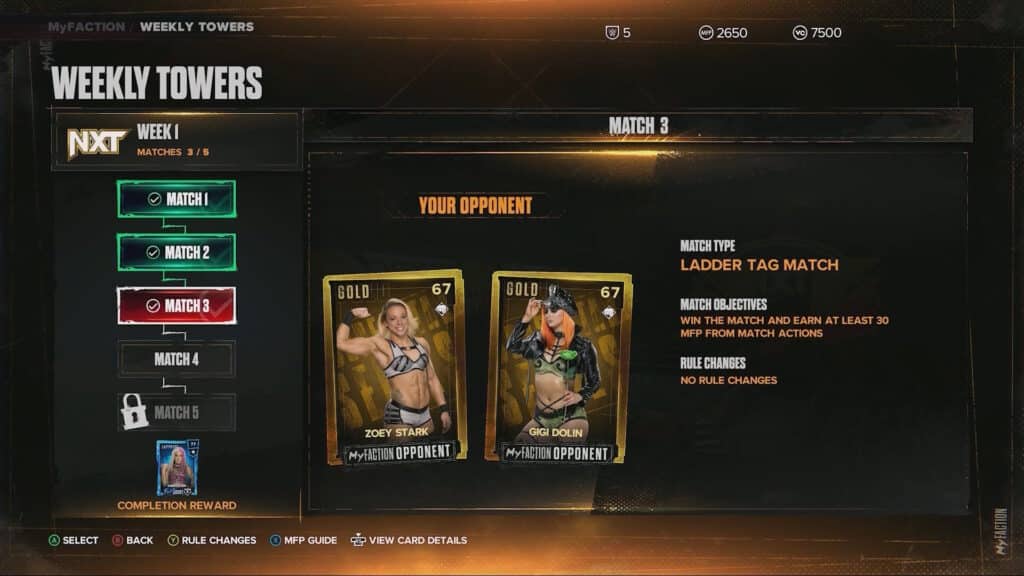
The Weekly Towers are sequences of matches you need to do in order. Completing them will reward you with some sweet loot, such as special cards and booster packs!
Thankfully, these matches are also surprisingly easy. They’re a perfect fit for anyone who’s just getting started with the MyFACTION mode in WWE 2K24.
It’s highly recommended that you complete all of these matches as soon as possible!
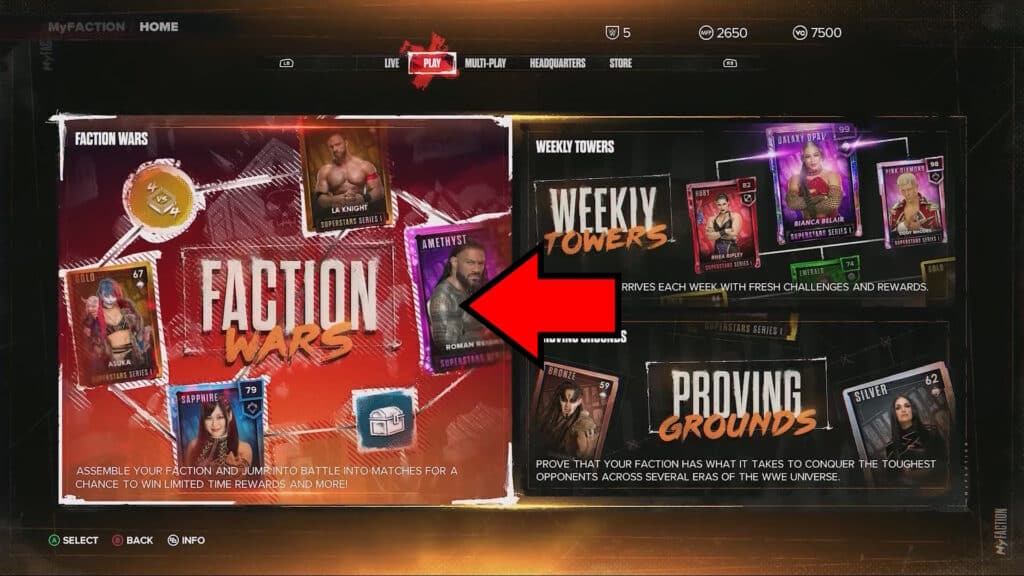
Once you’re satisfied with your setup and progress in the Weekly Towers, you should be good to go. All that’s left is to select Faction Wars from the Play tab of the Main Menu.
Face other players’ Factions, earn more cards, keep upgrading, and become the best Faction out there.