 10 articles
(the) Gnorp Apologue allows you to slightly customize its visuals, but there’s a secret bright pink background that’s required for the “MY EYES” achievement.
This pink background is violently bright and feels very abrasive to look at. The name’s achievement doesn’t lie, after all!
In this short guide, we’ll tell you how to get rid of the brutally bright pink background so you can continue your Gnorping journey without damaging your eyes.
How to Reset The Pink Background From the “MY EYES” Achievement
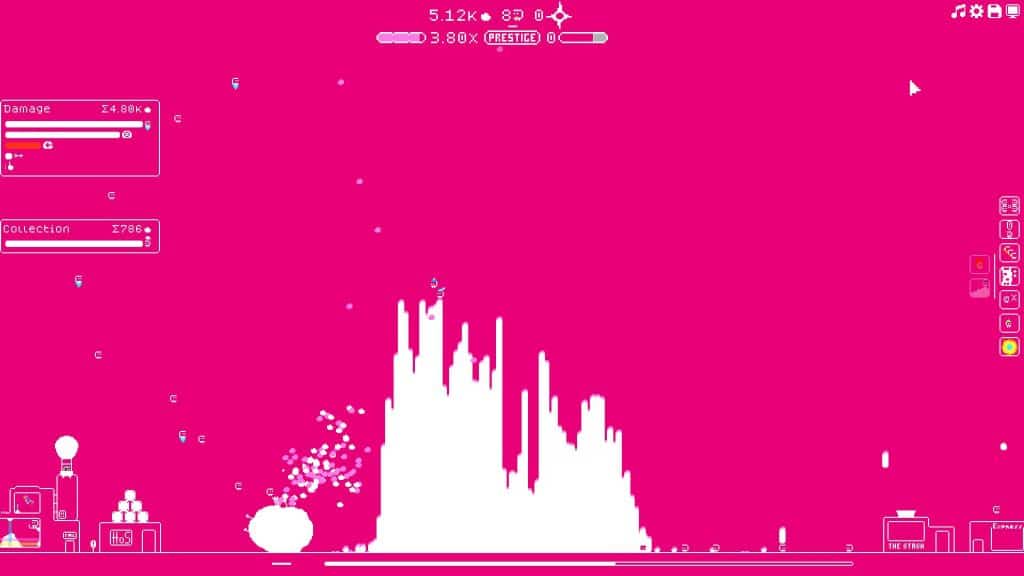
So, you failed to heed the game’s warning not to press F8 and are now stuck with a bright pink background. They really aren’t kidding when they tell you it’s no good!
 (the) Gnorp Apologue: How To Unlock All Achievement GuideJan 5, 2024
 How To Finish A Run Fast in (the) Gnorp ApologueDec 29, 2023
 (the) Gnorp Apologue: Y2K Achievement GuideDec 28, 2023
Thankfully, though, it’s very easy to get rid of the obnoxious vibrant pink background. All you have to do is to press any key from F1 through F7.
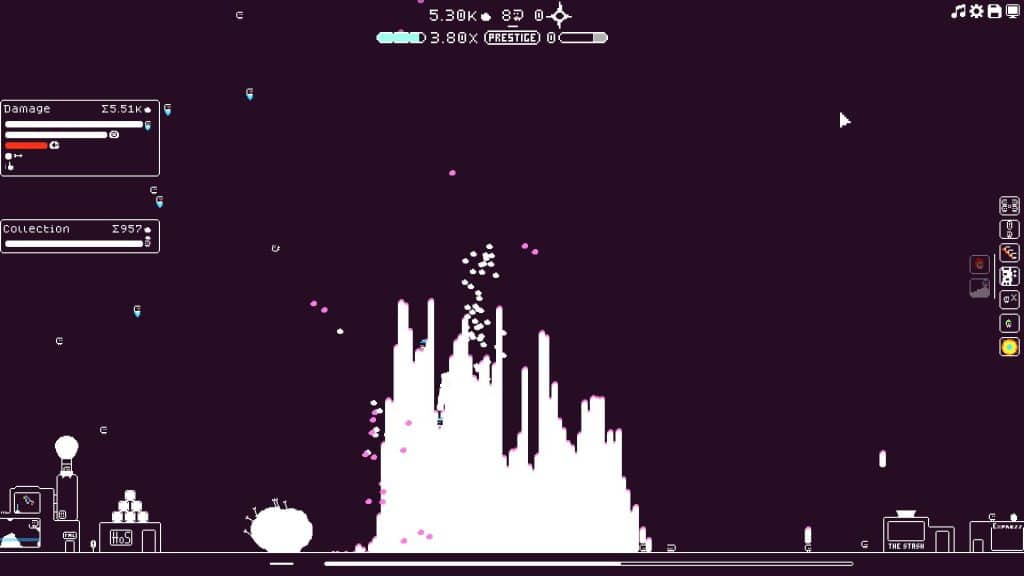
This will change the background to one of the other 7 colors, as follows:
- F1 – The game’s default color, which is a dark desaturated purple sort of color.
- F2 – A dark mauve color.
- F3 – Plain black background, gives a high-contrast look when combined with the game’s white visuals.
- F4 – Dark desaturated green.
- F5 – Dark desaturated brown.
- F6 – Gray, a tad lighter than the default color.
- F7 – A strong dark blue color.
As you might notice, the main thing setting all these colors apart from the F8 pink background is their darkness and low saturation. They’re all pleasant to look at, unlike what you get from pressing F8!
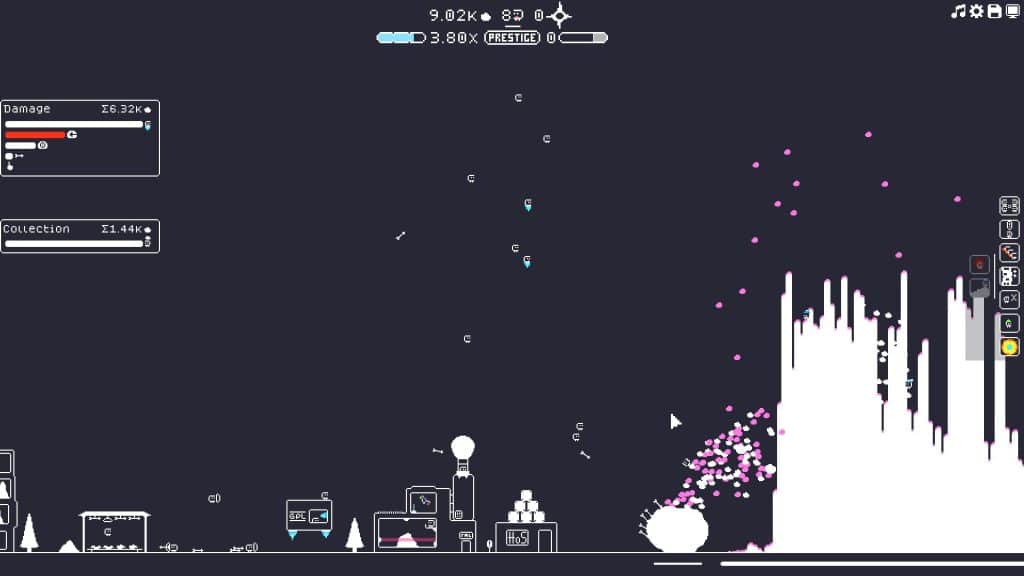
Anyway, you can press the corresponding key for the color you want anytime. Just remember that F1 will always bring you to the comfort of the game’s default color.
So, there you have it, getting rid of the pink background is just as simple as pressing the key for any of the other colors!
ALSO READ: (the) Gnorp Apologue: How To Unlock All Achievement Guide